Most people understand what an intranet is at a high level. Beyond an old-school definition as a private network protected by a firewall, most people understand the meaning of "intranet" as an internal website that helps employees get their work done.
But dig deeper and there is not always agreement about what an intranet actually does, the value they bring to businesses, how intranets are evolving, and what a modern intranet looks like in 2026.
In summary: An intranet is a private, secure space where an organisation's employees find information, read internal news, access tools and complete everyday tasks. Access is restricted to people inside the organisation. The word originally described a private network built on internet protocols. Modern intranets are usually cloud-based, mobile-accessible, and increasingly act as the governed source that AI assistants draw answers from.
What is an intranet?
An intranet is a private website or digital space used by the people who work at an organisation. It brings together the information, news, tools and processes employees need to get work done and carry out their role, all in one place. An intranet requires a login to get into and is restricted to employees, although sometimes contractors and outsourced workers also have access.
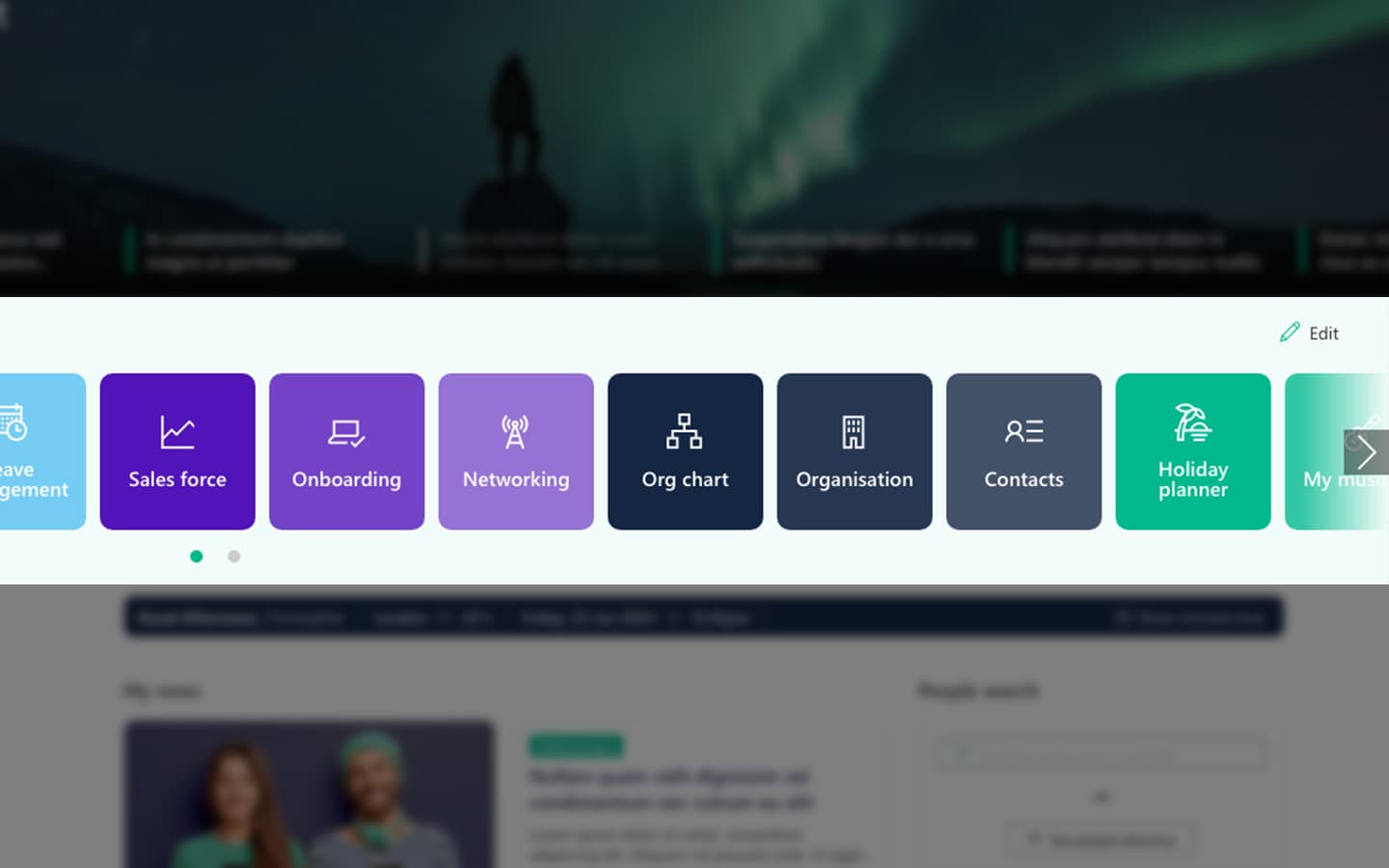
An intranet is where a new starter finds the onboarding checklist, where an engineer looks up the current version of a safety procedure, where everyone reads the announcement about the office move, and where someone adds a comment to the latest blog from the CEO. It will be the place to find the link to the IT service platform. For some intranets it may also be the place that employees book annual leave without having to go into the HR platform.
Intranets are very different from websites. A public website is built for anyone; an intranet is built for employees. This dynamic means design decisions, the content you publish, criteria for success, an intranet structure and the way you manage an intranet for long-term success are vastly different to an external-facing website.
Intranets explained: how they differ from the tools you already have
Most organisations already have somewhere to talk, somewhere to keep files and somewhere to send announcements. The question sitting behind "what is an intranet" is usually what it adds to those.
Microsoft Teams is where work happens - conversation, meetings and collaboration organised around the group doing the work. An intranet is where the answer lives. It is organised around topic and audience rather than around a team, and written to be read by people who were not part of the conversation.
A shared drive or document library is storage. It works if you already know what you are looking for and roughly where someone put it. An intranet adds structure, named owners, and a reason to visit that does not depend on remembering a folder name.
Email reaches people once. An intranet is where something stays findable after the message has scrolled away, and where you can tell whether anyone actually read it.
None of these replace each other, and a good intranet does not try to. Most organisations run all four, and the intranet is the one that points at the others.
Whether SharePoint itself counts as an intranet is a different question, and one we cover in the complete guide to SharePoint intranets.
What does an intranet actually do?
A useful framework comes from James Robertson at Step Two, who describes five purposes of an intranet: content, communications, culture, collaboration and social, and activity. This has held up well for a number of years.
Content. The reference material and information that employees need for their day-to-day work: policies, procedures, guides, handbooks, forms, contact details. This supports compliance, employee self-service and operations. It's the part employees rely on most and the part organisations neglect most, but it requires a maintenance commitment that not everybody follows through with.
Communications. Keeping everybody informed and also supporting engagement. Company news, leadership updates, campaign messaging, celebrations, operational announcements, reminders and more. Internal communications is critical, but some intranets over-focus on this area at the expense of the other four purposes.
Activity. Supporting transactions and task completion. Booking leave, submitting expenses, raising an IT ticket, ordering equipment. An intranet supports this by getting people to the right applications or through integrations with the intranet itself; this element is often the single strongest driver of repeat visits. People come back to an intranet that helps them get something done.
Collaboration. Project spaces, team sites, shared documents, discussion. In a Microsoft 365 organisation, much of this now happens in Teams, and the intranet's job is to connect to it rather than duplicate it.
Culture. Recognition, communities, new starter introductions, the things that make an organisation feel like somewhere rather than anywhere, and support connections between colleagues and locations, as well as between employer and employee. Easy to dismiss, hard to replace.
Getting the right balance between those five purposes is critical and impacts adoption. An intranet that only does communications will not be used, because there is no reason to return between announcements. We have written about why nobody uses the intranet in more detail, and an unbalanced content mix is consistently near the top of the list.
Internet, intranet and extranet
Three words that sound alike and get confused constantly. The difference is entirely about who has access.
- Internet - Anyone. Your public website, marketing, customer-facing content.
- Intranet - Employees only. Internal news, policies, tools, employee self-service.
- Extranet - Employees plus named outsiders. Sharing with suppliers, partners, clients, contractors, board members, outsourced workers.
An extranet is best thought of as a controlled extension of an intranet rather than a separate thing. In most modern setups it is not a separate system at all; it is a section of the intranet, or a set of sites, with external guests, often contractors or outsourced workers, deliberately granted access to a defined area.
What changed for intranets in 2026?
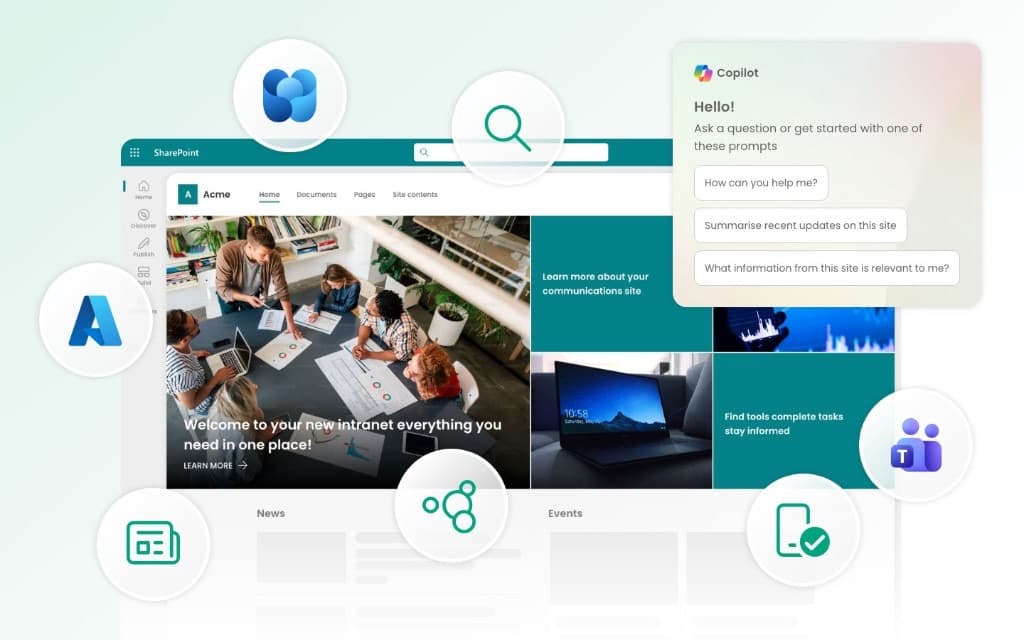
Unsurprisingly, AI is dominating the changing face of intranets in 2026. Solutions are incorporating AI features, digital workplace teams are integrating Copilot, and individual business stakeholders are launching AI-powered chatbots.
In some quarters, this is raising the question of whether intranets are needed at all. If an employee can ask an assistant where the parental leave policy is and get an answer, why maintain a page? It is a good question, and we have addressed it properly in a separate piece on realistic use cases for AI on your intranet.
The short answer is that AI increases the need for intranets rather than removing it. AI assistants need somewhere to draw answers from, and they are only as accurate as the content underneath them. An assistant reading an out-of-date policy will restate it confidently. That makes curated, owned, current content more valuable than ever, and that is exactly what good intranets provide.
What has changed is visibility, not the underlying job. Jeremy Stewart, a digital workplace consultant on our team, makes the point that ten years ago almost every client asked the same thing: can you make intranet search work like Google. Today the same request arrives asking for it to work like ChatGPT. The technology is different. The problem behind it has not moved at all: people cannot find what they need, so they give up and ask a colleague. The fundamentals of an AI-ready intranet turn out to be the fundamentals of a good intranet. Current content. A structure that matches how people look for things. Named owners. Permissions that reflect what you actually intend. AI has not added a requirement. It has made the cost of skipping those things visible, and public.
That exposure is not theoretical. One recent readiness audit of a single organisation found more than a thousand SharePoint sites with no identifiable owner, eight versions of the same policy live at once, and a document eleven years old still coming back in search. None of it caused visible harm while people were browsing. It causes very visible harm the moment an assistant reads it and answers confidently. Permissions behave the same way. Jeremy has watched a search about appraisals return a colleague's completed appraisal form, overshared years earlier and never noticed, because until then nobody had gone looking. We have set out what to check before a rollout in more detail on our Microsoft Copilot consulting page.
That is not just our reading. ClearBox Consulting, an independent UK firm that has been reviewing this market for over a decade, publishes an annual assessment of intranet and employee experience platforms. The 2026 edition runs to more than 800 pages and covers 37 products, including SharePoint with Viva. Among their findings for the year, they note that AI capabilities have been added across products with many proving genuinely useful, and that a knock-on effect has been a return to thinking of the intranet as the organisation's "front door".
"As it stands in 2026, AI is not replacing the need for the intranet. AI requires valuable and authoritative content to have value, so intranet content is becoming even more important. Intranets are also evolving to incorporate AI, both in terms of the frontend experience with conversational interfaces and improved search, and in the backend with features and agents that help admins and content owners."
Steve Bynghall, independent intranet consultant and analyst, and co-founder of Spark Trajectory.
ClearBox also report that organisations are being more cautious with budgets and taking longer over purchasing decisions. That matches what we see: intranet projects are being scrutinised harder, and "we already pay for Microsoft 365, why are we buying something else" is a question that now gets asked earlier rather than later.
ClearBox's report is free to download and is updated annually. Findings referenced here are from the 2026 edition, published January 2026.
Does your business actually need one?
Only very small organisations do not need an intranet, usually those of 50 people or less. A well-organised set of shared files and a single chat channel can be enough. But even then, there will usually be some kind of place to find information, which acts a bit like an intranet.
If you have more than fifty employees, you are very likely to need one, and definitely if any of the following are true. Whether SharePoint on its own is enough to deliver it is a separate question, and one we cover in the complete guide.
- Employees regularly ask colleagues for information that already exists somewhere.
- You have frontline, field or shift workers who do not sit at a desk and are hard to reach.
- You need to demonstrate that staff have accessed current policies.
- Onboarding depends on someone remembering to send the right links.
- Leadership has no reliable way of reaching everyone at once.
- Nobody can confidently say where the current version of a document is.
- Information flow around an organisation is bad and nobody knows what is happening.
- Nobody knows how to get basic tasks done when the person who has been at the company for years is on holiday.
- There are different ways of doing this across separate locations, which is causing risks, compliance issues or inefficiencies.
- Your company has grown significantly and now needs to start standardising processes.
Often the above symptoms tend to increase slowly. Information keeps accumulating in inboxes and chat threads where it cannot be found later, new starters keep being onboarded slightly differently, and the organisational memory keeps living in individual heads. None of that fails visibly. It just gets steadily more expensive to unpick, and it is considerably harder to fix at 500 employees than at 80.
If any of that sounds familiar, our intranet case studies show what organisations in the same position did next, and roughly what it took.
Why intranets fail
Most intranet failures are not technical, and the pattern is consistent enough to be worth naming. Four things decide whether an intranet works, and they have to be settled in order: the structure content sits in, what the business actually needs, how people will experience it, and only then the technology. The platform usually works, but what goes wrong almost always sits in one of the first three, and choosing the technology first is the most expensive version of the mistake.
In practice that shows up as an intranet with no clear reason for existing, no named owner, content nobody maintains, and search that disappoints because the structure underneath it was never designed. None of those are platform problems. We have gone through the pattern properly in eight key reasons no one uses the intranet, and the ordering problem itself is what a digital workplace discovery exists to solve.
Two things are worth adding. Without meaningful engagement data it is impossible to defend the budget or improve anything, and we have set out 25 intranet metrics worth tracking for teams starting from scratch. And launch is not the finish line. Adoption is an ongoing programme, not a launch week campaign.
We used to advise clients to launch with as much content as possible, on the basis that a fuller intranet looks more credible as a springboard to drive adoption. These days intranets are quicker to launch, and we now tell clients to focus on a reduced, focused number of pages that are easier to manage and have more sustainable value. A smaller intranet beats a comprehensive one where half of it is stale, and that is doubly true now AI is reading it.
If you have an intranet already and want to see how it is performing across communications, self-service, engagement and governance, our intranet health check gives you a personalised score in about ten minutes.
What technology do you build an intranet on?
Before we get to that, we should be straight about our own position. We build SharePoint intranets. That makes us genuinely useful if SharePoint is where you land, and it makes us the wrong people to ask whether SharePoint is the right platform for you in the first place, because we will always advocate for it.
What we built is Lightspeed365, a SharePoint-native intranet product, so you can see for yourself what we have a stake in before you weigh anything else on this page.
For an organisation already running Microsoft 365, there are four realistic routes:
- Use SharePoint Online as it comes, with no additional products.
- Extend it with the Microsoft 365 tools already in your licence, such as Teams and Viva Connections.
- Add an in-a-box product that sits on top of SharePoint and provides the features intranet teams need.
- Commission custom development for requirements nothing off the shelf covers.
SharePoint is the usual starting point, since it is included in most business and enterprise subscriptions and provides the underlying sites, pages, permissions and search. Whether it is enough on its own depends on your size, your internal communications ambitions, how much you need from personalisation, targeting and analytics, and how much resourcing you have to manage it. Answering this question properly requires a deeper dive, and we have covered it in the complete guide to SharePoint intranets, including where out-of-the-box SharePoint leaves gaps and issues.
If your organisation already runs Microsoft 365, the four routes open to you are set out in more detail in our guide to Microsoft 365 intranet options, including what each one means for cost, governance and how quickly you can be live.
If you would rather start by seeing what good looks like, our collection of SharePoint intranet examples is a useful starting point.
If native SharePoint turns out to be enough for you, that does not always mean there is nothing to do. The intranets that work are the ones where someone has thought about structure, content and how people actually look for things. Content Formula, who build Lightspeed365, also work on those parts on their own - information architecture and design if the problem is that people cannot find anything, or consulting if you are stuck on something specific.
Frequently asked questions
About the author

John Scott
UX director
John is Head of UX at Content Formula, shaping the experience behind Lightspeed365. He writes about SharePoint intranets, UX, and digital workplace design, grounded in real-world delivery.