
SharePoint intranet features

SharePoint intranet features -
built in and ready to go

Lightspeed365 adds 30+ SharePoint intranet features as web parts, not a separate platform. Same page editor, same permissions, same tenant.

Lightspeed365 is a SharePoint intranet solution built from web parts that sit alongside your native news web part, document libraries, lists, quick links, and Power BI on any page. All editing uses the standard SharePoint page editor. No new tools for your editors to learn.

Internal communications

How does targeted news work in a SharePoint intranet?

  • News feed: extended layouts with video, hero carousels, category filters. Run a global feed alongside personalised feeds on the same page
  • Alerts and push notifications: configurable by page or audience. Alerts display on SharePoint pages. Pair with push notifications to reach Teams and device lock screens. Reach all employees with important messages
  • Subscriptions: employees subscribe to the topics they care about
  • Noticeboard: employee-driven space for community posting, best practice sharing, and bottom-up comms. Complements Viva Engage for on-page interaction
News feed with video carousel, personalised department feed, and alert banner

Content and self-service

How does Lightspeed365 improve SharePoint intranet search?

  • Handbook: searches pages, documents, and list items across your entire SharePoint environment from a single interface. Permission trimmed. Handbook self-service content
  • AI search: natural language querying across your SharePoint content
  • Files explorer: all your Teams, SharePoint sites, and Viva Engage communities in one searchable view. Powered by Microsoft Graph
  • Floating search: persistent search bar scoped to specific content types - policies, "how do I" guides, forms
  • Table of contents: auto-generated in-page navigation from your headings
  • App panel: enhances the native SharePoint app bar. Embed key pages and tools so they're accessible from any page on the site as employees navigate
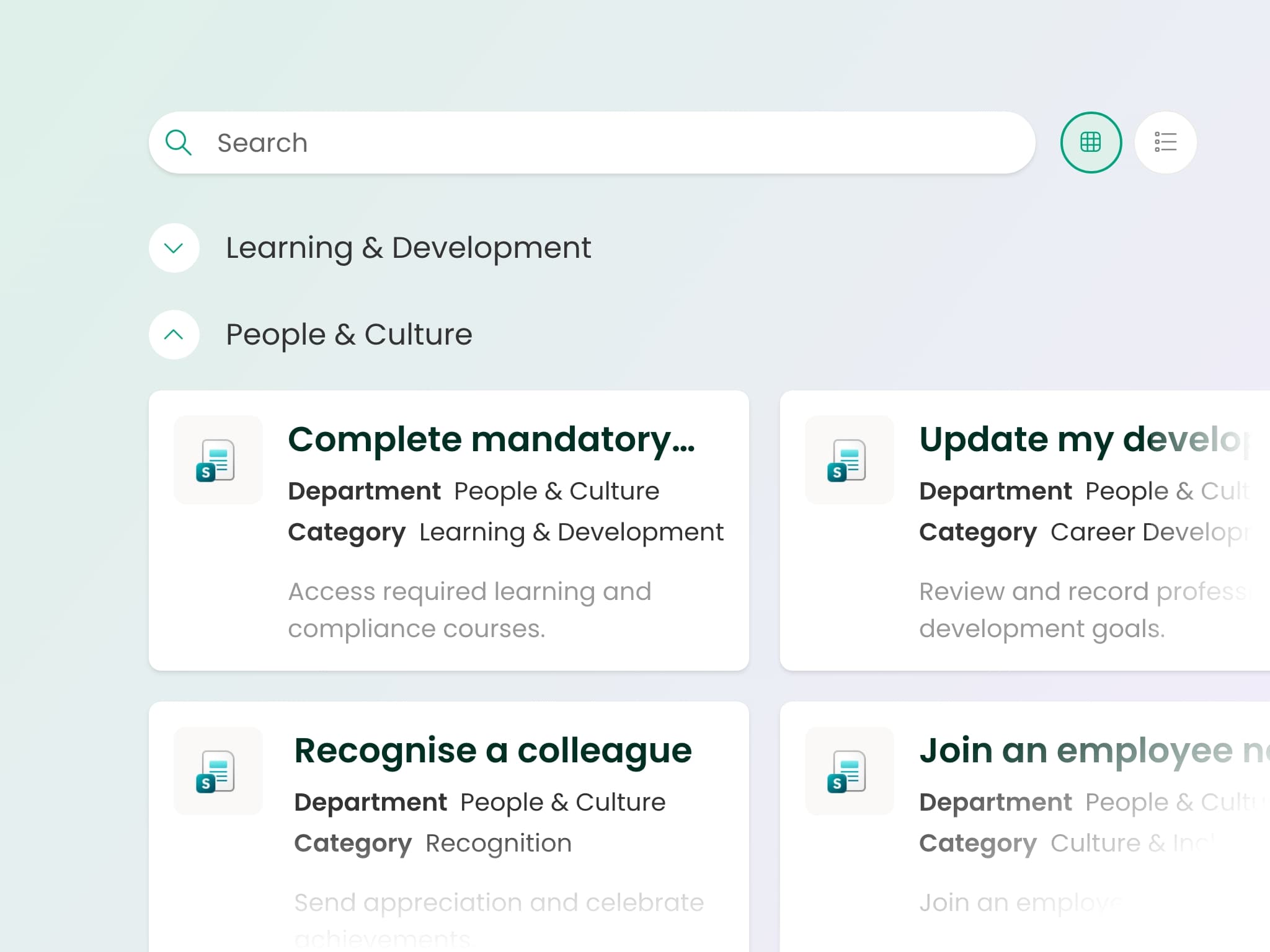
Handbook showing results from multiple sites with permission-trimmed results

Branding and design

How do you brand a SharePoint intranet?

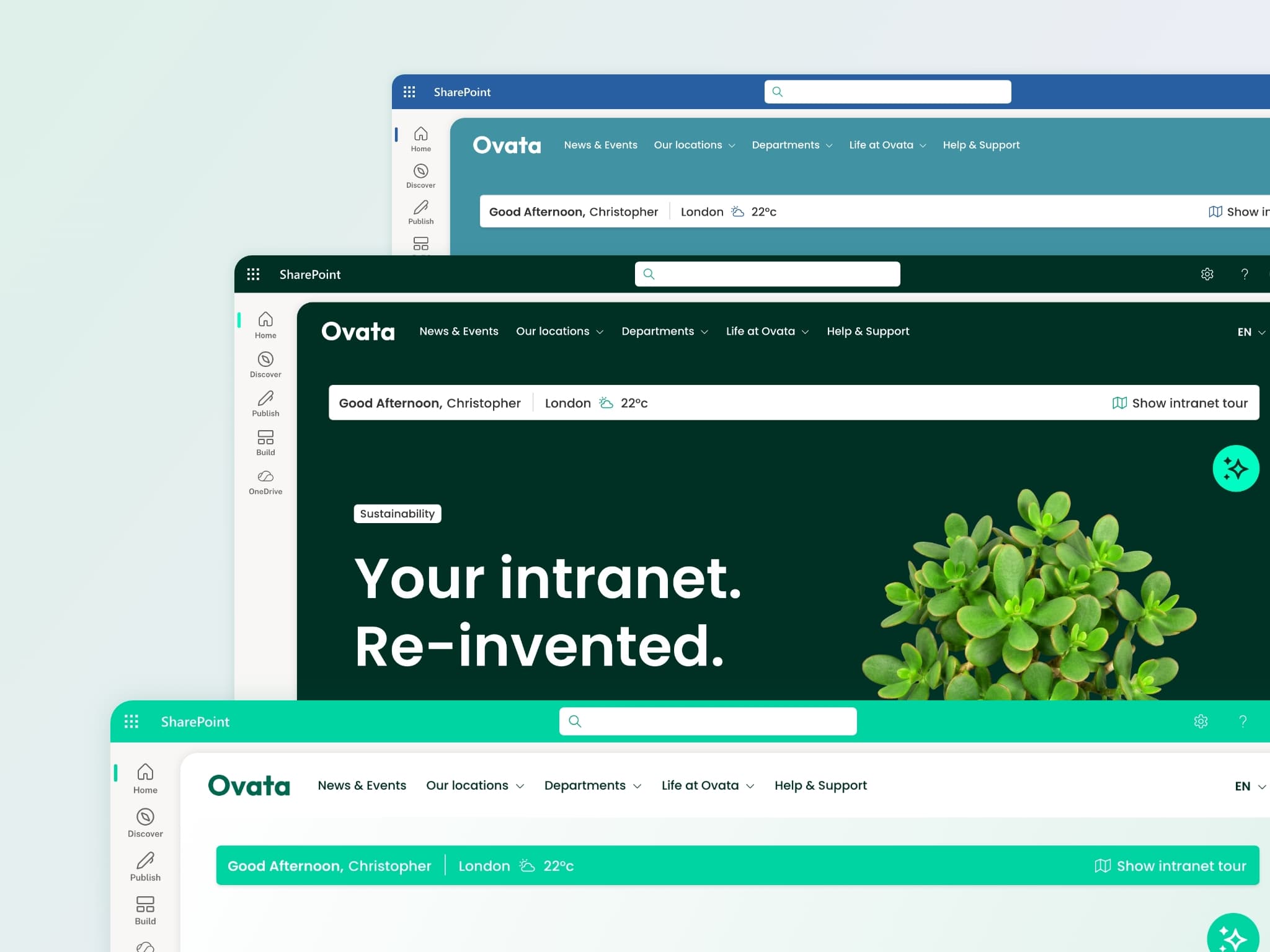
  • Branding customiser: make every page feel on-brand with full control over typography, colours, navigation, and layouts. Sub-branding across sites lets multi-brand businesses give each division its own identity. See real SharePoint intranet designs →
  • Templates: launch a professional intranet without starting from a blank page. Twenty ready-made layouts covering homepages, department sites, HR hubs and knowledge centres, all built in the native SharePoint page editor so your team edits them the way they already work. Browse the SharePoint intranet templates →
  • Sections: bring pages to life with background images, video, and motion that make key content stand out
  • Card links: help employees navigate visually with richer layouts and display styles than native quick links. Quick links and app launchers
  • Tabs: keep pages clean by grouping web parts into a tabbed interface automatically
Two sites with different sub-branding and Sections with video background

People and culture

How does Lightspeed365 connect employees to each other?

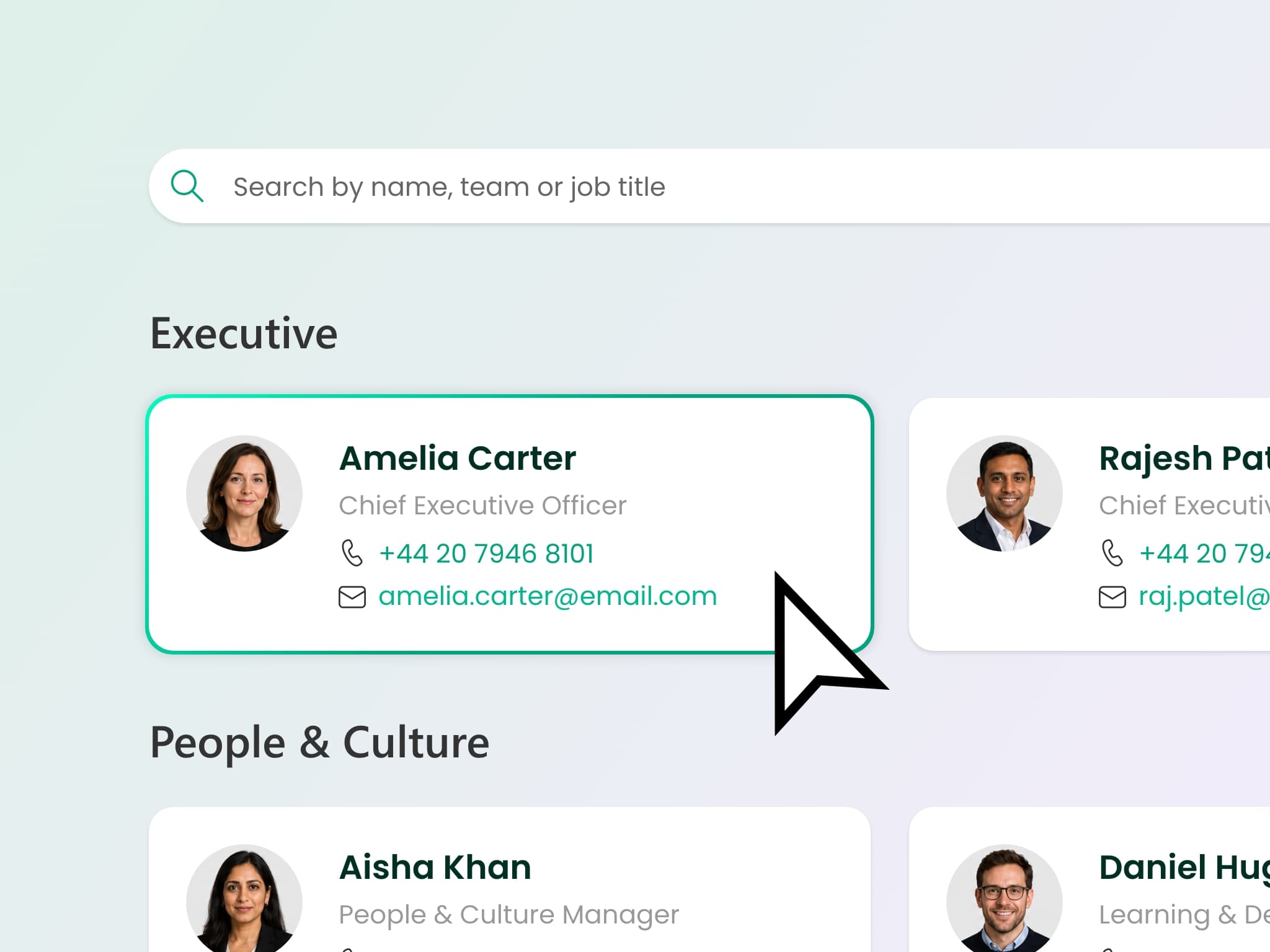
  • People directory and search: find colleagues by skills, projects, location. Dynamic - auto-updates from Entra ID. People card shows one up, one down
  • Social feed: conversation threads and employee-generated content on intranet pages
  • Events: event management with RSVP. Also handles milestones, birthdays, and anniversaries
  • Share price ticker: live share price for listed businesses
  • Intranet tour: visual walkthroughs that introduce new or redesigned sites and drive adoption

For recognition and kudos, Lightspeed365 works alongside Viva Engage rather than duplicating it.

People directory with skills search and page tour overlay guiding a new employee

See Lightspeed365 in action

Watch the 2-minute walkthrough to see how these features work together in a live intranet.

Start a free trial

Engagement and personalisation

Can a SharePoint intranet adapt to different roles and locations?

  • Welcome bar: personalised greeting, local weather, quick access to relevant content
  • App launcher: personalised shortcuts to the apps and services each employee uses most. Personalise by role and location
  • Poll: pulse checks, quick feedback, and engagement polls
  • Accordion: collapsible content sections for FAQs and long pages
  • Multilingual: works with SharePoint's native page variants for translated content. Browser translation for on-the-fly reading

Use the native Power BI web part for KPI dashboards and performance metrics directly on your intranet pages.

Welcome bar with personalised greeting, app launcher, and a poll

Analytics

What intranet analytics does Lightspeed365 provide?

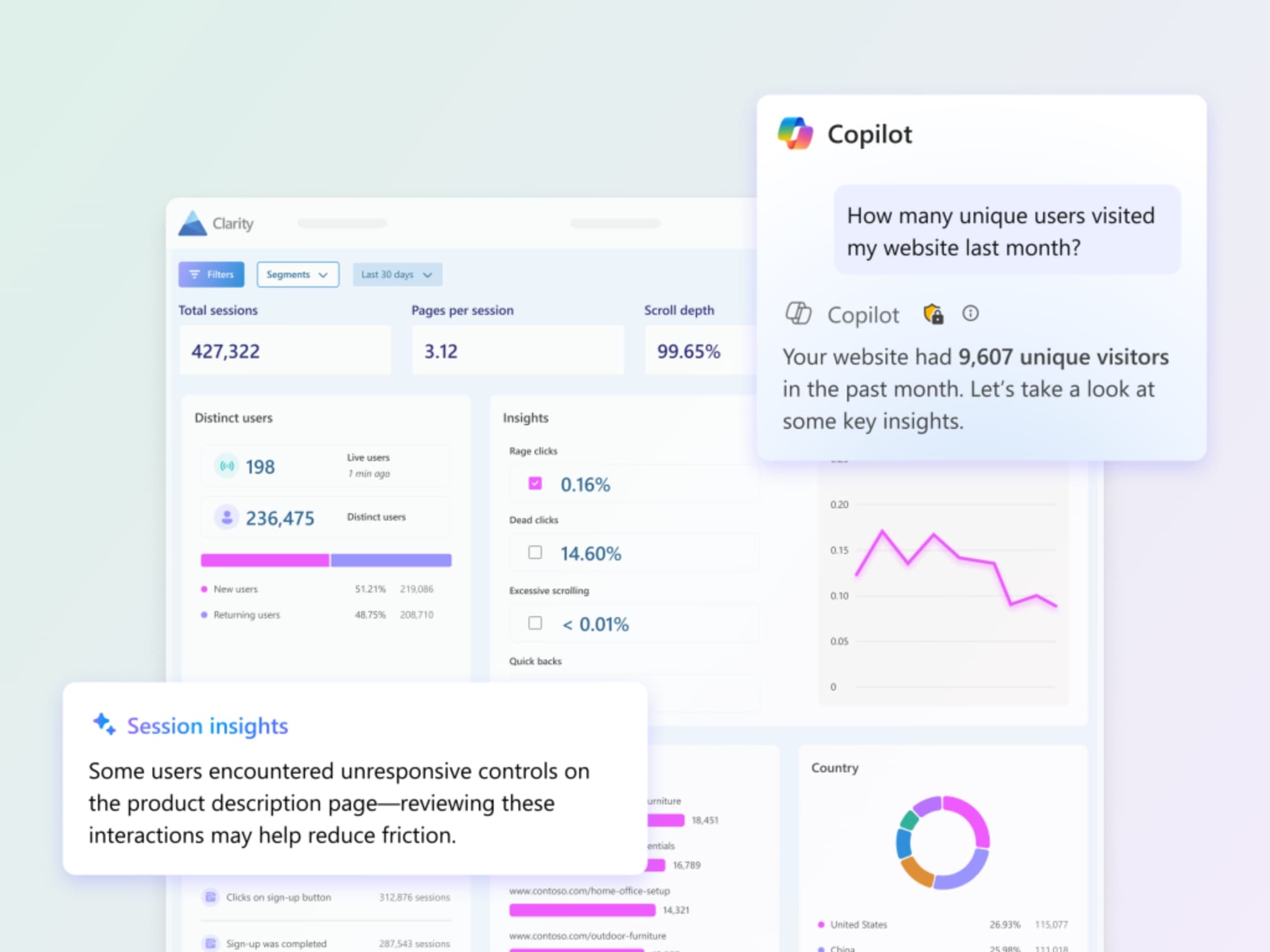
  • Microsoft Clarity integration: heatmaps, scroll depth, user journeys, session recordings, and content performance trends

SharePoint's built-in site analytics cover page views and traffic. Clarity adds the engagement depth comms teams need to report to leadership.

Clarity dashboard with heatmap and engagement trends

Governance and targeting

How does governance work in a SharePoint intranet?

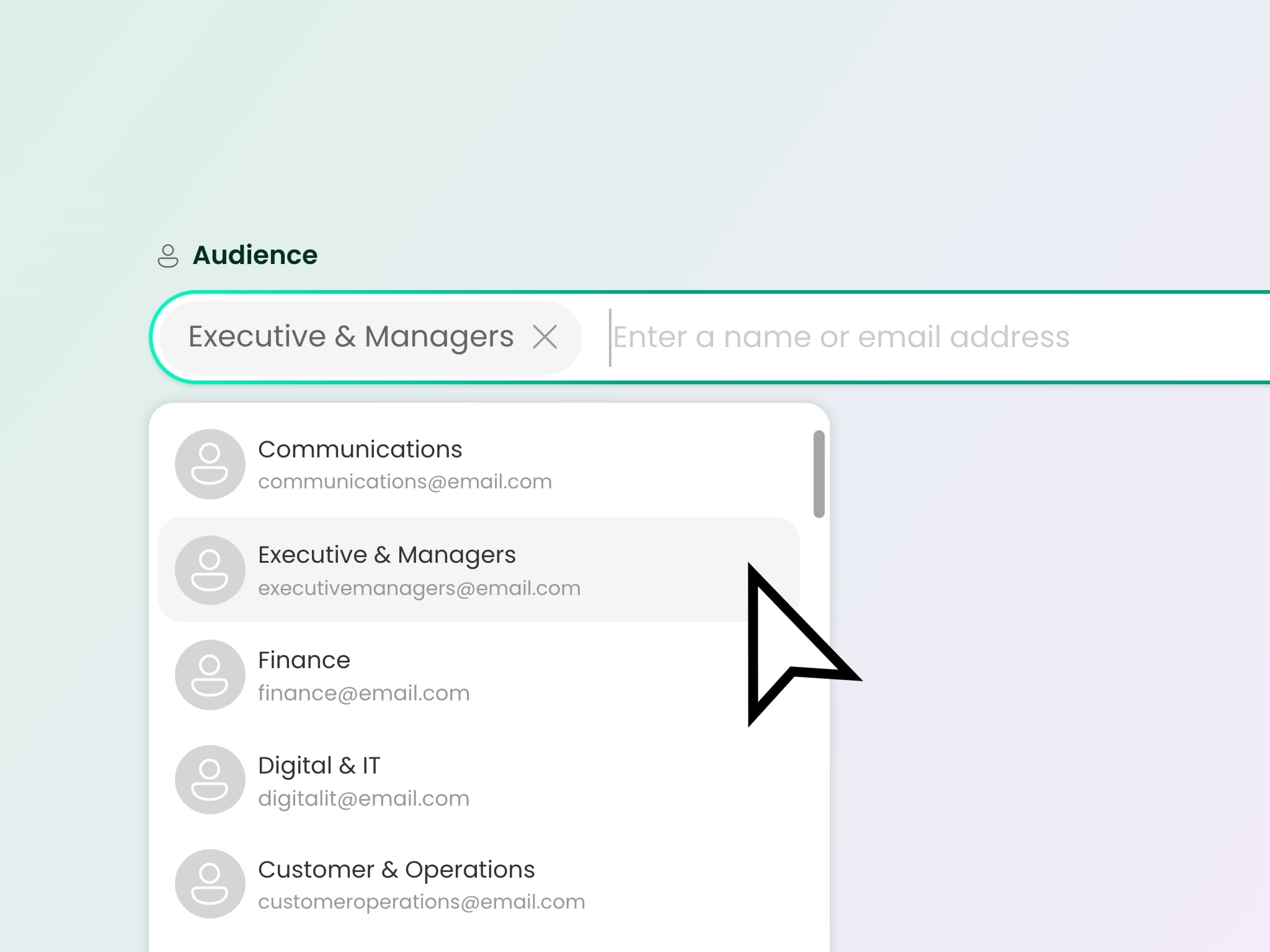
  • Audience targeting: uses your existing Entra ID groups. No separate system to manage
  • Content scheduling: publish and expire automatically. Good metadata reduces the need for complex lifecycle management
  • Feedback: employees flag out-of-date pages. Content governance from the people who use it
  • Site index: searchable directory of SharePoint sites, Teams, and Viva Engage communities across your tenant
  • Site provisioning: request, approve, and create new spaces from the intranet. Guides employees to the right type - SharePoint site, Team, or Viva Engage community. Native approval workflows prevent duplication and sprawl

For policy attestation and audit-ready compliance, Lightspeed365 integrates with Xoralia in the same M365 tenant.

Targeted news feed with audience segmentation controls

SharePoint gives you a strong set of building blocks. Lightspeed365 adds the ones that are missing - so your intranet is feature-rich from day one without leaving the platform. And it keeps getting better. Our roadmap is shaped by the businesses using it every day, so every update reflects what people actually need.

Andrew Arnison
Andrew Arnison
Product Manager

Does Lightspeed365 work with Teams, Copilot, and mobile?

Your SharePoint intranet runs inside Microsoft 365 - on SharePoint, in Teams, and on mobile. No separate app for employees to install.

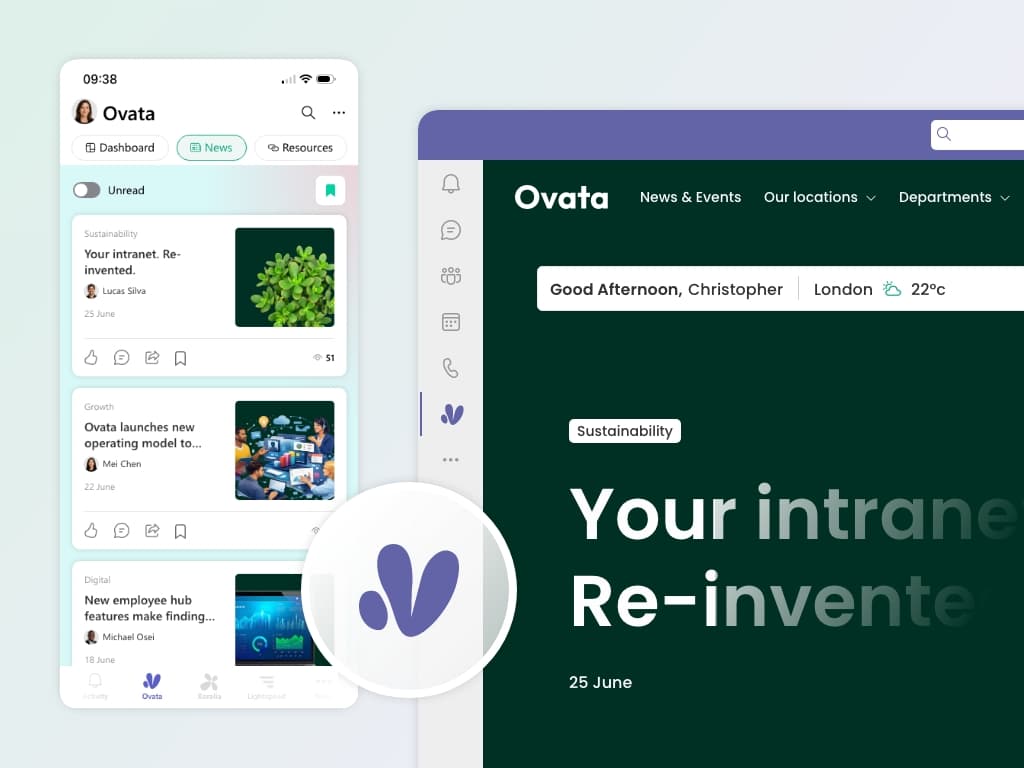
  • Lightspeed365 intranet inside Microsoft Teams

    Teams app

    Your full intranet inside Microsoft Teams on desktop and mobile. Frontline workers, remote teams, and people on the go get the same experience without an additional app. Pin it to the Teams rail and it's always one tap away. Works alongside Copilot and the rest of your Microsoft 365 environment.

Technical overview - SharePoint web parts and integration

For deployment, governance, and IT detail, see For IT →

  • SPFx web parts via SharePoint app catalog

  • All content stored as native SharePoint pages, lists, and libraries

  • All data in your M365 tenant - no external hosting

  • Identity via Entra ID - no additional SSO

  • Updates as app packages - you choose when to install

  • Teams app for desktop and mobile intranet access

  • Files explorer powered by Microsoft Graph

  • Zero lock-in - uninstall and all content stays as native SharePoint content

Common questions about SharePoint intranet features

Will Lightspeed365 introduce a new system or platform for my editors to learn?
No. Everything uses the standard SharePoint page editor. If your team can edit a SharePoint page today, they can use Lightspeed365 immediately - no new CMS, no separate publishing tool, and no retraining.Try it for yourself →
What happens if we uninstall Lightspeed365?
All content stays exactly where it is as native SharePoint content. Pages, lists, and document libraries remain in your tenant. The web parts are a presentation layer, not a container - uninstalling removes the Lightspeed365 components, not your content.
What happens when Microsoft updates SharePoint?
We build on Microsoft's supported development framework. Subscription licences include compatibility updates delivered as packages you install when ready.SharePoint intranet pricing →
Can the handbook search across all our sites?
Yes. Pages, documents, and list items from any site or library. Fully permission trimmed using your existing SharePoint and Entra ID permissions.
Can I try Lightspeed365 before buying?
Yes. A free trial gives you access to all Core features in your own tenant. No credit card, no commitment.Start your free trial →