SharePoint intranet templates give your team a professional, consistent starting point for every site and page - saving time, enforcing standards, and making it easier for any content owner to publish well.
Below are 10 of our most-used SharePoint intranet templates for 2026. We have split them into five site templates - which define the full structure of a section - and five page templates, which cover individual pages lower down in your information architecture.
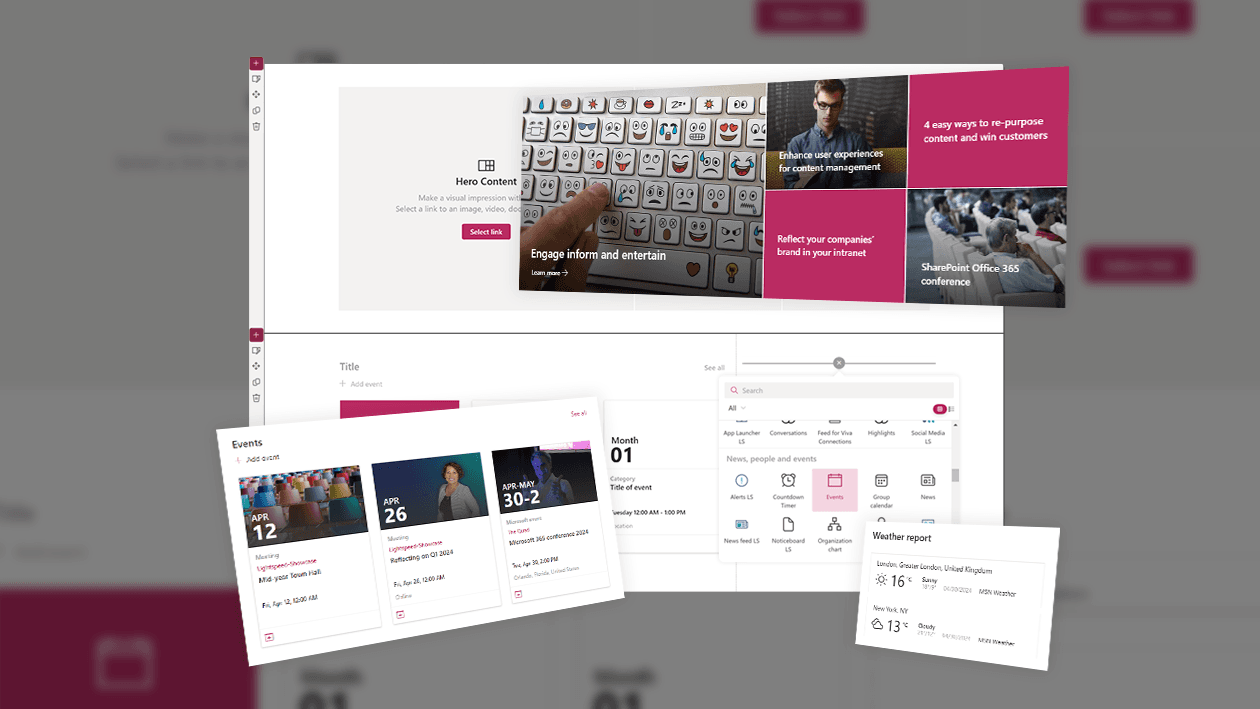
All 10 are included with every Lightspeed365 licence. Lightspeed365 is a SharePoint add-on that extends your existing Microsoft 365 environment with branded templates, additional web parts, and personalisation - no custom development needed.
Free assessment: Is your intranet working as hard as it should?
Answer a few questions about your intranet and get a personalised intranet health check assessment.
Take the intranet health check
Jump to:
SharePoint site templates for your intranet
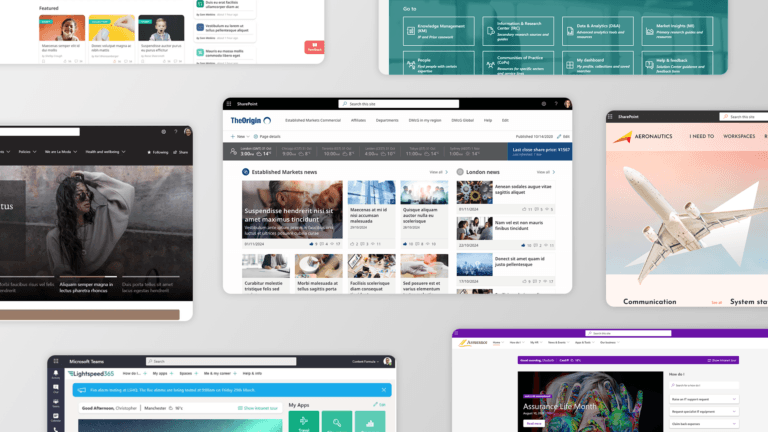
Site templates provide the complete structure and layout for a section of your intranet - multiple pages, navigation, and design all in one starting point. Below are five of our most-used site templates, each built with Lightspeed365.
Microsoft SharePoint intranet homepage site template
Make your intranet homepage a place employees return to - not just land on

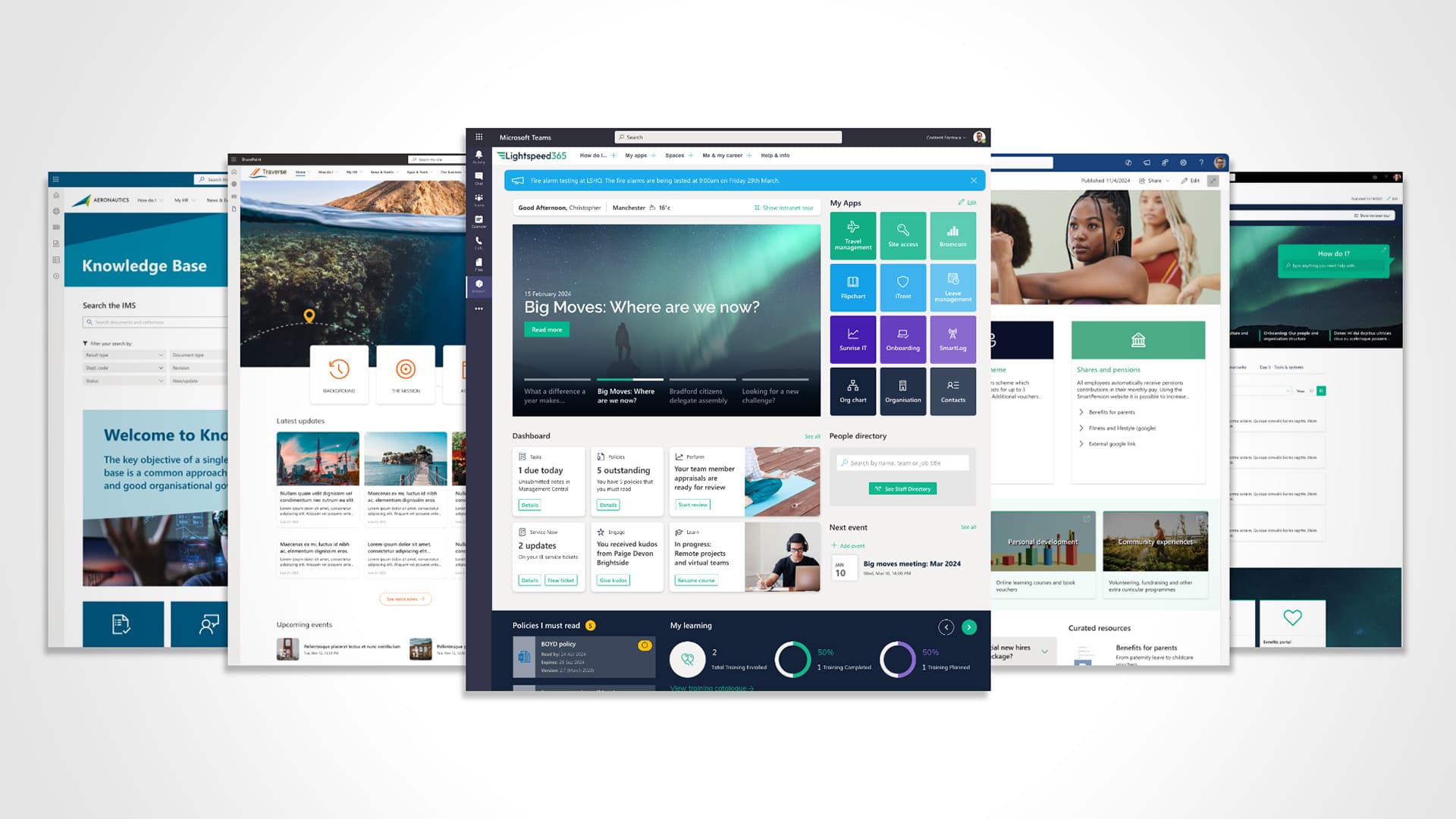
Built with Lightspeed365: a dynamic, personalised homepage that brings news, tools, and updates together - without custom development.
The main homepage of an intranet is arguably the most important page. It needs to provide the right blend of features and content that is appropriate for the organisation and its employees - typically a mix of content types and links, ideally tailored to the needs and interests of different employee groups. Additional personalisation options give employees further control.
What value does this bring?
- Critical route into the intranet, driving adoption and return visits
- Balances informational content with task-focused features; personalisation ensures relevance
- Lightspeed365’s app launcher provides personalised links to everyday apps
- Integrated Viva Connections dashboard aggregates key tasks from multiple systems
- Integrated Xoralia policy area means employees stay on the intranet to complete compliance tasks
Typical use cases
- Daily starting point for all employees
- Organisation-wide news delivery
- Personalised access to digital workplace tools and apps
- Aggregation of key tasks from multiple systems
- Entry point into Viva Engage
Want to see more homepage designs? Browse our design gallery → or watch how to design an engaging intranet homepage →
SharePoint employee engagement campaign site template
Spark real involvement, not just awareness

Built with Lightspeed365: launch campaign pages that actually get noticed - eye-catching layouts, social feeds, and targeted updates, all without relying on IT.
Intranets are the ideal place to launch and sustain employee updates on company initiatives - from innovation drives to embedding brand values or peer recognition. The aim is to create engaging pages full of content, discussions, and ideas that help employees feel genuinely part of the initiative.
What value does this bring?
- Versatile template suitable for multiple engagement campaign types across different topics
- Can serve as an information hub, reference area, or engagement engine with calls to action
- Highly visual - uses image combined with Lightspeed365 Section+ for maximum impact
- Easily adapted to highlight events, FAQs, and relevant contacts
Typical use cases
- Organisation initiative updates (strategy, wellbeing, ESG)
- Change management campaigns (e.g. new technology rollout)
- Campaigns to drive employee involvement (e.g. volunteering)
- Department, location, or regional campaigns
Stop making people guess where to go. Let the homepage guide them. Looking for a ready-made SharePoint intranet solution? See how Lightspeed365 compares →
Microsoft SharePoint knowledge base site template
Give employees fast, confident answers - without the email back-and-forth

Built with Lightspeed365: your single source of truth - visually clear, easy to navigate, and ready to go live in days.
Intranets are go-to places for knowledge, establishing a single source of truth. The knowledge base site template is an excellent way to present a collection of content - such as a policy library, a “how do I” guide, or brand assets. The A-to-Z listing and scoped search facility typically provide the most day-to-day value for employees.
What value does this bring?
- Flexible template for any collection of knowledge or controlled documents
- Scoped search and browse provides strong findability for any function that needs to serve a resource library
- Uses Lightspeed365’s handbook feature - not available natively in SharePoint
- Integrates with Xoralia for “must read” controlled document management
Typical use cases
- Organisation-wide policies, procedures, SOPs, and guidelines
- Controlled documentation around products and services
- HR, Health and Safety, and compliance policies
- Credentials, reference material, and brand assets
- Knowledge-sharing initiatives
See how businesses like L.E.K. and Baringa use structured knowledge hubs in practice → Read our case studies
SharePoint employee onboarding site template
Give new starters everything they need to feel informed, welcomed, and ready to go

Built with Lightspeed365: a warm, structured onboarding experience. No emails, no confusion - just everything in one place.
When new employees join, they often have many questions about how the organisation works, how it is structured, and how to navigate its knowledge areas. An onboarding site on the intranet is the ideal place for them to orient themselves, get quick answers, and work through activities like registering for benefits and completing mandatory training.
What value does this bring?
- Single, easy-to-access area for all onboarding documentation, checklists, and tasks
- Standardises the onboarding journey enterprise-wide with localisation options
- Tabbed day-by-day or week-by-week layout uses Lightspeed365 Tabs feature
- Viva Connections dashboard links to personalised onboarding tasks
- Can surface “How do I?” procedural information directly within the site
Typical use cases
- Employee onboarding for new joiners
- Onboarding for a new internal role or team transfer
- Employee pre-boarding (before first day, if access is permissible)
SharePoint employee benefits site template
Turn your intranet into the go-to place for perks, support, and career growth

Built with Lightspeed365: an employee benefits hub that is clear, inviting, and always up to date.
Employee benefits are typically of great interest to employees, so laying them out clearly on the intranet adds real value to the platform and drives frequent visits. Benefits may include financial and health-related perks as well as career development opportunities - all of which benefit from a clear, structured, self-service presentation.
What value does this bring?
- Single source of truth for HR, pay, and benefits information
- Structured landing page enables employees to self-serve and find what they need
- Reduces pressure on HR helpdesks by enabling self-service
- Adaptable to cover different aspects of HR information
- HR content reliably drives strong intranet adoption and return visits
Typical use cases
- HR, pay, and benefits information
- Career development and internal opportunities
- Wellbeing support and programme details
These templates are built with Lightspeed365 web parts and tools
Every Lightspeed365 licence includes 30+ web parts, 20 page templates, a branding customiser, and configuration guides. For bespoke templates like those above, our team can design and build them alongside you.
SharePoint page templates for your intranet
SharePoint page templates are designed for a single page rather than a full site, and are typically found lower down in the information architecture. Below are five of our most-used page templates, each built with Lightspeed365.
News article SharePoint page template
Make your stories unmissable - with layouts designed to engage, not just inform

Built with Lightspeed365: news pages that look polished, drive clicks, and feel as professional as your external comms.
Internal communications is one of the fundamental jobs of an intranet. A well-designed news page template is one of the most frequently used, helping to deliver and elevate news stories for employees across the organisation.
What value does this bring?
- Brings consistency to news items, building familiarity and encouraging adoption
- Encourages sub-headings to make stories more digestible and improve clarity
- Flexible - supports images, pull quotes, and embedded media
- Increases impact of news content, supporting wider comms and engagement goals
Typical use cases
- Organisation-wide news and announcements
- People news
- Department, location, or specialist updates
"How do I?" guide SharePoint page template
Cut down questions. Speed up action. Keep everyone moving.

Built with Lightspeed365: clear, step-by-step guides your people will actually use - instead of emailing HR or IT.
The “How do I?” page template provides step-by-step instructions for employees completing tasks - from simple ones such as logging an IT support ticket or claiming expenses, to more complex processes like applying for parental leave.
What value does this bring?
- Helps employees follow each step clearly, with embedded documents, diagrams, and forms
- Prominent contact block for follow-up questions
- Supports productivity and process standardisation across the enterprise
- Reduces volume of IT, HR, and helpdesk contact queries
Typical use cases
- Procedural and employee services information
- Completing IT and technology-related tasks
- Completing HR, financial, and administrative tasks
- Entry point into deeper policies and procedures

G2 review
Lightweight, User friendly, Feature-rich
“The LightSpeed365 web parts provide our users with a more intuitive experience, and have enabled us to enrich our intranet content, all of which are resulting in better adoption and more active engagement in our intranet.”
Glenda LambSharePoint ArchitectWBD
Department or location SharePoint page template
Pages that connect, inform, and stay consistent

Built with Lightspeed365: give every department or location a polished, up-to-date home - without chasing every content owner.
Most intranets include information about different departments or locations, particularly in large, global businesses. This template provides information and news about a particular function, region, country, or office. It can be aimed at people based there or at the rest of the business - though it is generally best not to mix both audiences on the same page.
What value does this bring?
- Useful targeted information about amenities and travel for visitors and staff
- Provides a route to detailed sub-pages, news, and key contacts
- Template enforces a consistent, complete set of information per location
- Particularly valuable in hybrid working environments, supporting less frequent visitors
Typical use cases
- Useful information for visitors or those planning site visits
- Information about office facilities and amenities
- Relevant information for people based at a location
Employee directory SharePoint page template
Help employees find the right person fast - build connection, cut wasted guesswork

Built with Lightspeed365: a searchable, filterable people directory that makes connecting with colleagues easy - even in large or hybrid teams.
Intranets help connect people to each other. The employee directory template is an attractive and practical way to introduce members of a team or department to a wider audience, helping employees identify and contact the right person quickly.
What value does this bring?
- Team details divided into areas with contact details prominent and click-through to profiles
- Search box supports findability within the directory
- Can form part of a wider department or location site template
- Encourages connection across the organisation and reduces time wasted finding the right contact
Typical use cases
- People searches for contact details
- Locating subject matter experts
- Finding the right person to contact
- Preparing for meetings and making new connections
Triage SharePoint page template
Guide employees to the right content - without overwhelming them

Built with Lightspeed365: turn complex information into clear next steps.
Some intranet pages exist to guide users to other content based on their specific needs. The triage template presents options in an attractive, image-led format arranged under different headings - ideal for service hubs, self-service portals, and any area where employees need to quickly identify the right resource.
What value does this bring?
- Versatile template for initiatives, resource hubs, HR or IT service desks, and more
- Consistent, visual way to guide users toward the right resources
- Encourages content owners to think about content structure and user journeys
- Includes a fallback option at the bottom for users who cannot find what they need
Typical use cases
- Help employees find the information they need
- Support self-service user journeys for HR, IT, and other functions
- Present structured information across multiple topics
- Improve findability and reduce support contact volumes
What are the benefits of SharePoint site and page templates?
SharePoint templates deliver value across the organisation in several key ways.
Saving time
A site template provides a significant starting point for creating a page or site - the right layout and web parts, ready to customise. This saves large amounts of time for site editors and authors.
Inspiring ideas
SharePoint's flexibility is a strength, but having so many options can make it hard to know where to start. Templates are an excellent source of inspiration for both experienced intranet professionals and less confident publishers.
Supporting your publishers
Templates do the heavy lifting around design for site admins, publishers, and content creators who may not be professional communicators - giving them a starting point that reflects your publishing standards and best practices.
Establishing consistency and content standards
SharePoint templates enforce publishing standards across the intranet, establishing consistency in look, feel, and layout - making it easier for users to find the right information on any page.
Many of our Lightspeed365 features have been designed around key intranet use cases, ensuring the right templates help you make best use of Lightspeed365’s rich library of additional web parts. See also our guide to SharePoint intranet examples and our overview of the most useful SharePoint web parts for intranets.
Frequently asked questions
About the author

John Scott
UX director
John is Head of UX at Content Formula, shaping the experience behind Lightspeed365. He writes about SharePoint intranets, UX, and digital workplace design, grounded in real-world delivery.