AI is impacting every aspect of work and every corner of the digital workplace, including the humble intranet. Intranet software providers are selling AI-powered platforms. Microsoft Copilot is hard baked into SharePoint and the Microsoft 365 digital workplace, meaning that conversational interfaces and AI agents are already potentially part of your intranet. And many employees are using AI to generate content, including intranet pages and news items.
Some people believe that intranets might not even be needed with the advent of AI. We don't agree, but we do think that the nature of intranets and how people interact with them will change. We set that out in SharePoint intranet trends for 2026.
What is an AI-powered intranet?
An AI-powered intranet uses AI to help employees find information, get answers to questions and keep content accurate. Instead of browsing pages or running keyword searches, employees ask in plain language and receive an answer drawn from the organisation's own policies, guides and news, with the source shown.
On a SharePoint intranet the content, permissions and identity already sit in Microsoft 365, so the AI answers from the same content store employees already use - there is no second copy of the intranet to build, secure or keep in sync. For the wider platform context, see our SharePoint intranet guide.
Six great use cases for AI on your intranet
AI is already here and is waiting to improve your intranet. But what are the best ways to use it? Where will it make the most difference? Let's explore six realistic use cases for AI which can help improve user experience, save time and drive intranet adoption today.

Search and findability
A critical job for any intranet is to help employees find the information they need to complete tasks and get stuff done. AI has obvious power to radically improve search relevance and accuracy, while also evolving the search experience for the user. Lightspeed365 AI-powered search is one way to put that on a SharePoint intranet; you can also watch our 25-minute AI search webinar.
- Offering the opportunity for employees to use a conversational interface or natural language for queries.
- Delivering semantic search with greater understanding of search intent through natural language processing.
- Demonstrating greater capacity to understand the context of searches, for example based on someone's profile or previous search behaviour and then delivering personalisation at scale.
- Quoting, summarising or guiding a user towards the part of a document or page that best satisfies the search query.
- Summarising individual search results to give users a better understanding of the value of each item.
- Working more efficiently and effectively over a number of different sources.
Answering employee questions
ChatGPT, Claude, Gemini and other popular AI services are changing the way that some users interact with technology, especially with greater use of natural language. Using AI to answer employee questions using natural language queries through the intranet is a natural evolution for many of us.
Chatbots have been part of the intranet landscape for a quite a long time now. Bots, copilots and agents have been embedded into the intranet experience and answer particular questions on topics such as corporate policies, HR questions or IT support, for example. Up to now the results have been a mixed bag, but generative and agentic AI has the potential to make bots far more effective. If you are using Microsoft Copilot, it is already very likely being used for employee queries.
There is also some overlap with AI-powered search here, as employee questions are sometimes answered by finding the right section of a document, summarising answers from content, or linking to the content - or a combination of all three.
Content generation
Creating content remains a core use for all generative AI and it is an obvious use case for intranets. Most intranets are built on a decentralised publishing model which relies on the active contribution from content owners, publishers and authors across a business. Most of these people will not be trained communicators and will have a very busy "day job" so producing purposeful and valuable content for the intranet is not necessarily top of mind.
Generative AI can create new content for the intranet, particularly as a starting point, and lower the barrier for busy content owners. It not only speeds up the time involved but could also generate a relevant page from say a policy or instructional document. It can also help to explore content designs by creating mock-ups for what a page might look like, or act as a critique to help guide creation.
While there is little risk involved using AI to support content generation for communicators and experienced intranet teams who can ensure brand alignment and publishing standards are met, there is more risk with content owners through the business. Using AI makes it all too easy to create intranet content that is bland, has little value or doesn't meet required standards. To mitigate for this, it helps to:
- Involve review of any AI-generated content in your publishing workflow.
- Train content owners on how to use AI and ensure they are aware of publishing standards.
- Set rules within the AI to reference publishing standards and guidelines to influence the output - see more on content optimisation and governance below.
Content optimisation
Intranet content management also needs to be optimised to meet publishing standards, make it more findable and more. Generative AI and agentic AI has an obvious role to play in doing much of the heavy lifting in this area, reducing the effort for both busy content publishers and even busier central intranet teams.
There are multiple ways AI can help make intranet content better:
- Automatically adding tags and other metadata to make content more findable, particularly if tags are derived from enterprise taxonomies
- Providing automatic summaries that could appear in other places in the intranet such as search or content spotlights
- Making intelligent suggestions in the editing experience to guide content owners and editors to improve content
- Helping to automatically apply content governance and formatting rules to existing content
- Helping content owners to add or even create the right image for an item
Translation
Machine translation has been used in intranets for a while to support multi-language content within global companies or where a section of the workforce has a significant proportion of non-native speakers. The quality of translation was already pretty good before the "generative AI" era, but AI has helped to broaden the coverage of languages that have seen improvement.
In an intranet, machine translation can work in different ways:
- It can automatically translate all content into a preferred language in a user's settings.
- It can translate content on the fly based on an action / request by the user.
- It can work as part of a translation workflow which also involves some human oversight and potentially manual translation, with the machine translation as the starting point.
Content governance
Successful intranets rely on content that is useful, up to date, accurate, engaging, findable, compliant and on brand. The "secret sauce" behind keeping intranet content valuable is governance, usually to ensure content is regularly reviewed and meets certain standards. AI can support intranet content governance in a number of ways:
- Checking to ensure content meets defined brand and publishing standards.
- Spotting if there are any potential security or data privacy issues.
- Making suggestions for content that may have expired based on defined or suggested criteria
- Identifying patterns of which content is regularly updated and when.
- Intelligently using analytics to support content governance processes.
What this looks like in practice: the AI-augmented homepage
The first two use cases - search and answering employee questions - often meet on the homepage. That is the AI-augmented intranet homepage: not a seventh use case, but those two brought together where employees land.
Surfacing AI-assisted search in a user-friendly way for improved self-service.

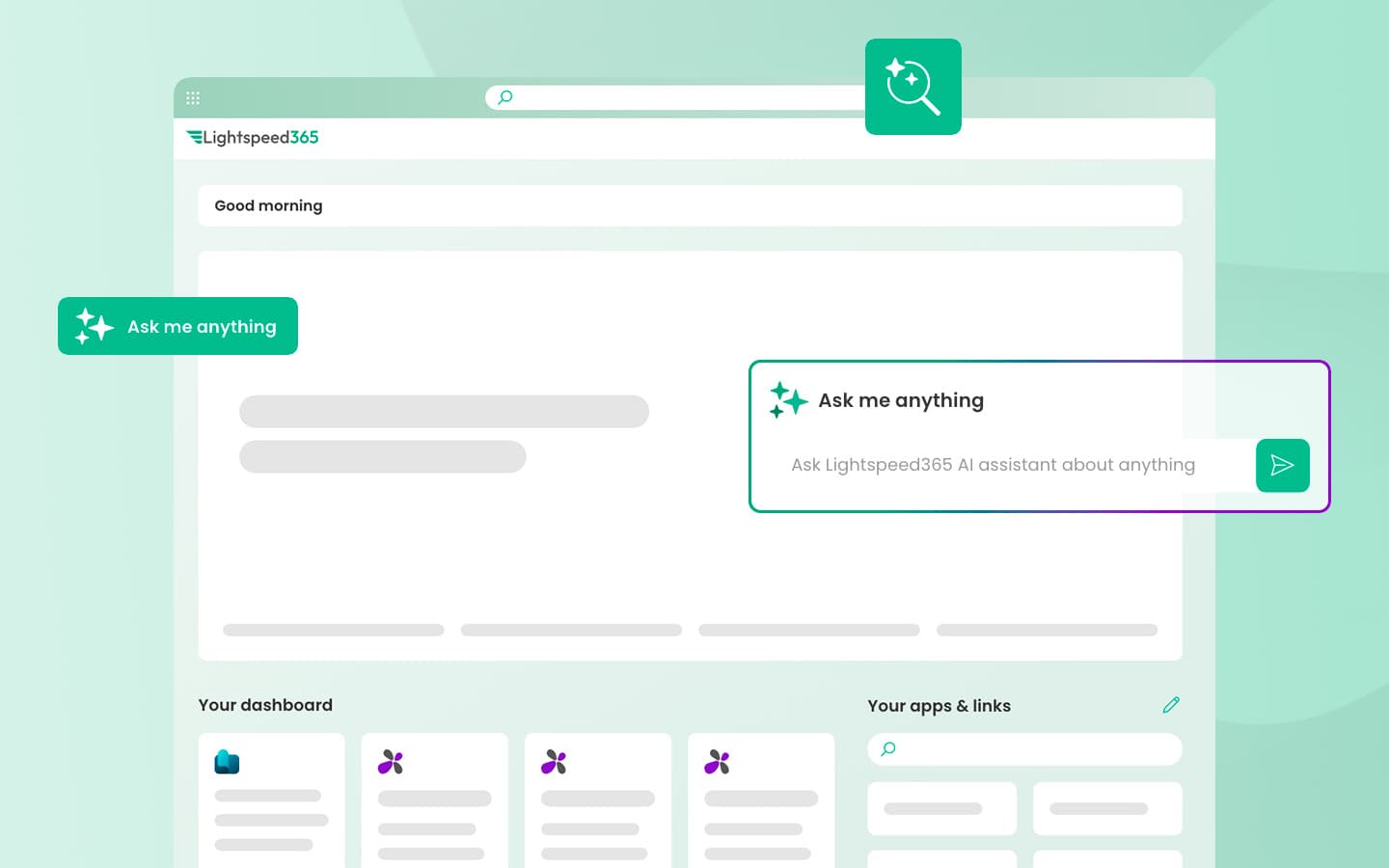
- The AI-augmented homepage places a conversational agent window front and centre, allowing employees to ask questions in plain language and receive answers drawn from your own intranet content, with the source shown
- Unlike a generic AI chatbot, this agent is scoped exclusively to your intranet - so every answer it gives is grounded in your organisation's own policies, guides, news, and resources
- The agent is grounded in your intranet content and configured with the questions employees ask most, meaning it can suggest relevant topics as people type
- This dramatically reduces the burden on HR, IT, and communications teams by deflecting repetitive questions to a self-service experience that's available 24/7 - a pattern many IT teams are adopting for SharePoint intranets
- The result is an intranet homepage that doesn't just display information - it actively helps employees find the right answer, first time, without needing to know where to look
See more SharePoint intranet homepage examples. The agent is only as good as the content it is scoped to - which is why the governance and optimisation use cases above matter before you switch it on. An intranet health check is a practical first step.
Why a SharePoint intranet changes the AI question
Standalone AI intranet platforms need a copy of your content to answer from. A SharePoint intranet is already the content Copilot and Microsoft Graph read.
Permissions travel with the content. An employee can only get an answer from something they were already allowed to see.
Nothing leaves the tenant - relevant for security questionnaires and data residency conversations.
The practical consequence: on Microsoft 365, the question is not "which AI intranet do we buy" but "is our intranet content good enough to be the source of truth". That is the case for a SharePoint intranet solution that stays inside the tenant you already own, and for an intranet health check before you switch an agent on.
Birth of the AI-powered intranets
The era of the AI-powered intranet is already here and we're already seeing that rather than AI replacing your intranet, it is actually going to enhance it, particularly across the six use cases we've featured in this article. If you'd like to see how you can extend the power of your AI-powered SharePoint intranet with Lightspeed365 features, then see the SharePoint intranet solution.
Frequently asked questions
About the author

John Scott
UX director and Lightspeed365 product owner
20 years designing and delivering digital workplace solutions for enterprise and professional services organisations. Has led multiple projects integrating AI for intelligent search and data classification, with a UX-led focus on making those tools intuitive and adoptable for everyday employees.