How it works
1Install
From the SharePoint app catalog. 10 minutes on a guided call.
Lightspeed365 is a SharePoint intranet solution that transforms your existing Microsoft 365 environment into a branded, fully featured intranet. No custom development. No separate platform. No data leaving your tenant.
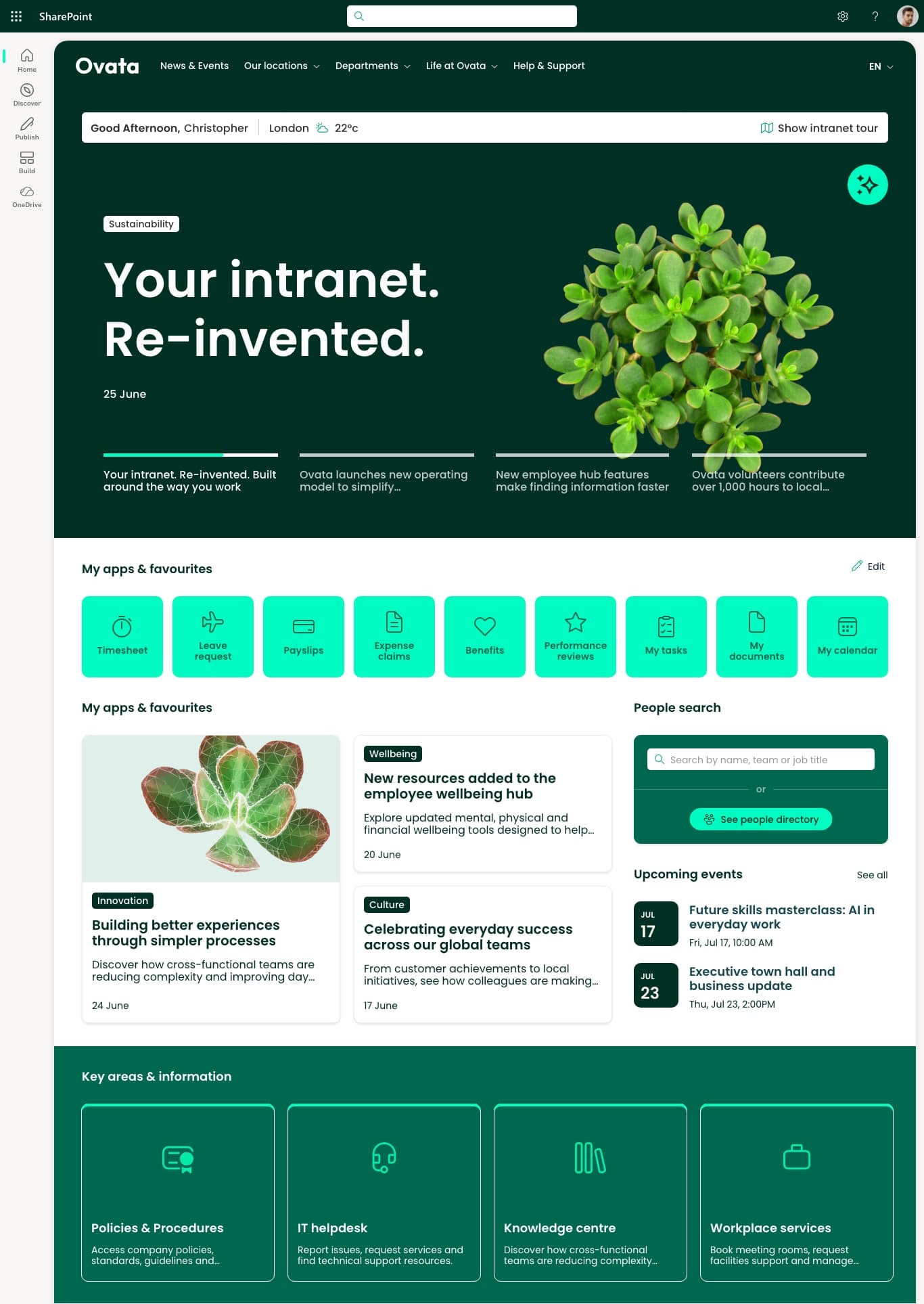
Employees can't find what they need. Important news doesn't reach the right people. The intranet feels more like SharePoint than a company channel.
Lightspeed365 closes that gap.
Add Lightspeed365 to your SharePoint tenant. Installation takes minutes.
Apply your branding, configure web parts, build your page structure, and populate content. This is where the 2-4 weeks are spent.
Go live, train your editors, and start measuring adoption.
Core
News feed, handbook, people directory, branding customiser, templates, card links, sections, tabs, events, social feed, poll, app launcher, welcome bar, files explorer, floating search, table of contents, accordion, feedback, intranet tour, share price ticker, app panel, alerts, and Teams app.
Premium
Add capabilities as you need them - alongside Core or as standalone additions to any SharePoint intranet. Push notifications, subscriptions, noticeboard, site index, site provisioning, and AI search.
SharePoint provides the foundation - the platform, the security, the infrastructure. Lightspeed365 provides the experience - the branded design, the personalisation, the features that turn SharePoint into an intranet employees actually want to use. Everything below works inside your existing Microsoft 365 environment, extending what's already there.
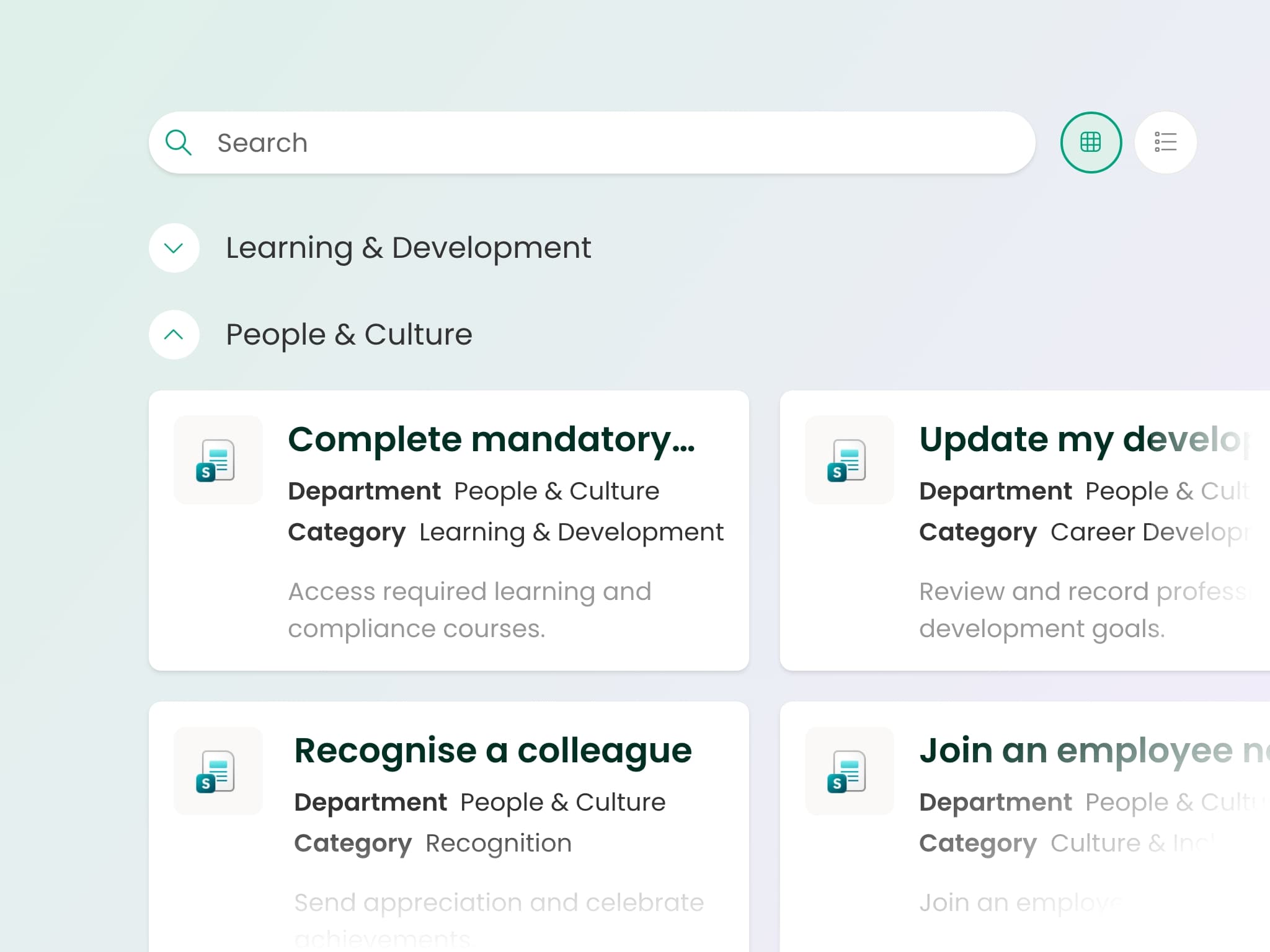
AI-powered search, structured handbooks, FAQ components, and a files explorer that indexes content from across your SharePoint sites and Teams - all respecting existing permissions. Employees get answers to their questions instead of a list of documents to open.
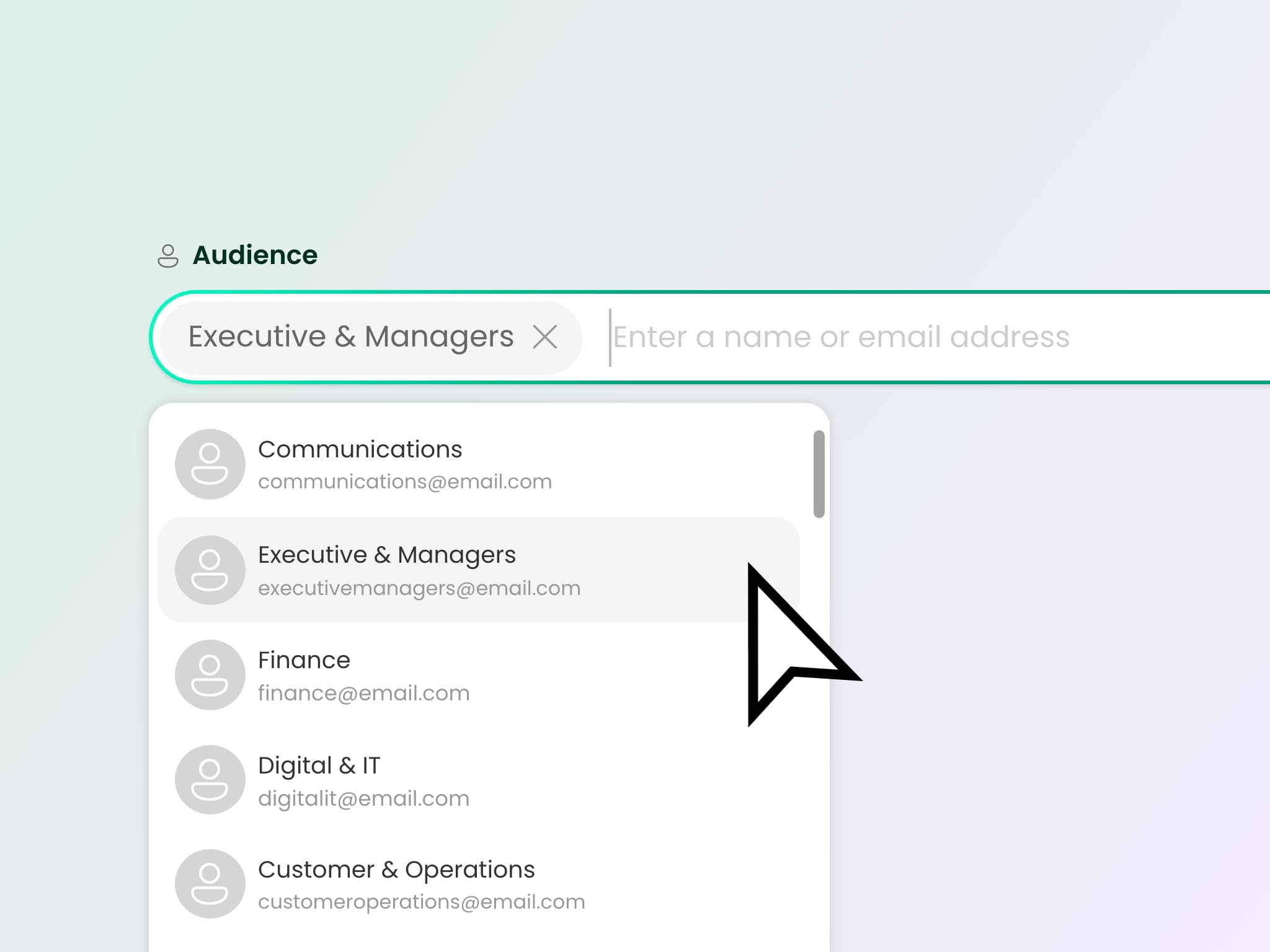
Target content by audience, schedule publishing, and track who read what - via SharePoint and Teams, including mobile. Push notifications and alerts make sure urgent updates don't disappear into a feed nobody checks.
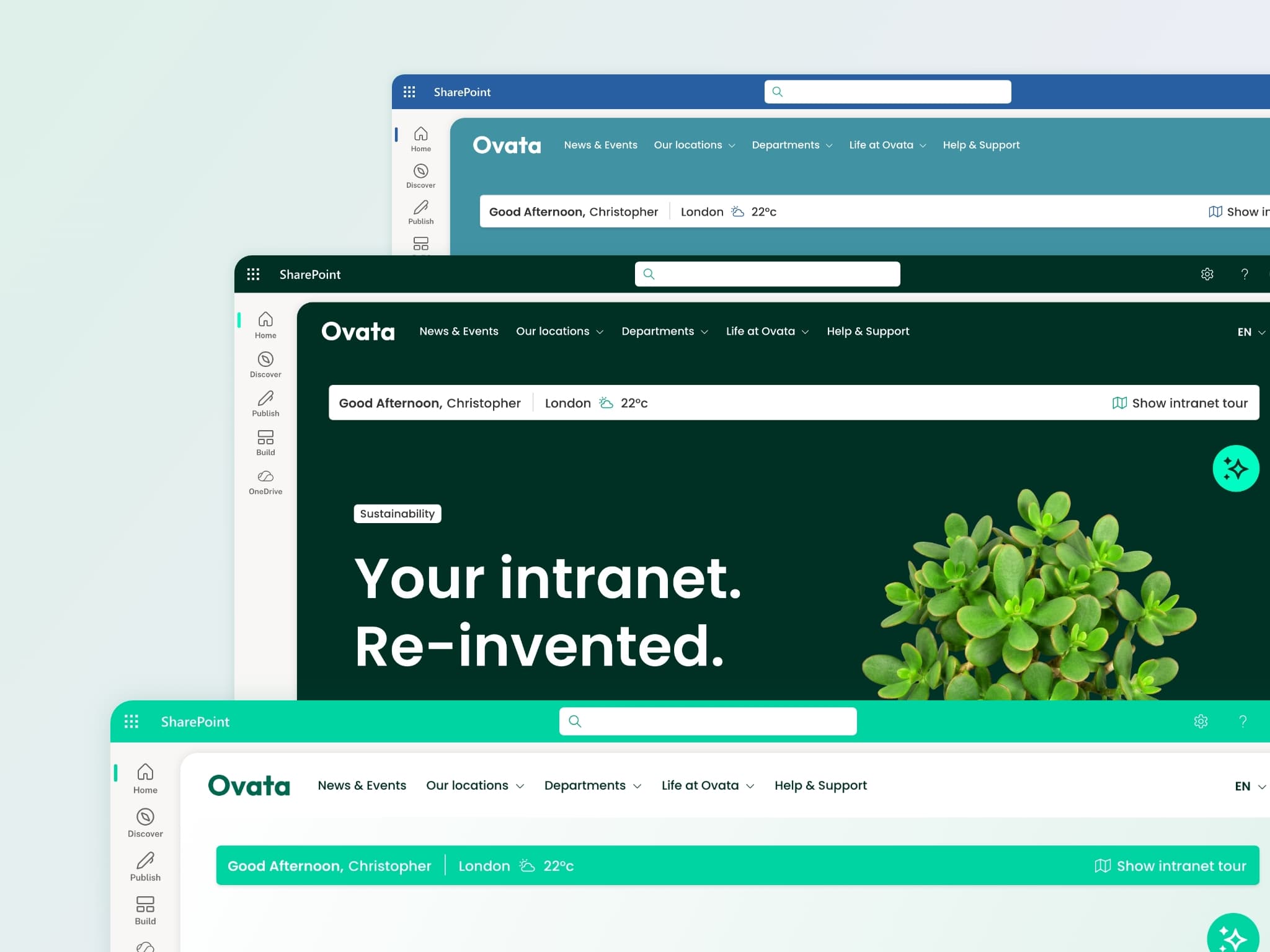
Full control over typography, colours, navigation, and page layouts. Pre-built templates for homepages, departments, and onboarding mean any editor publishes consistent, on-brand pages - all using the same SharePoint page editor they already know. No new tools, no retraining.
We'll help you figure that out on a call with our team.
Lightspeed365 is not a separate platform. It turns the Microsoft 365 tools your business already uses into a fully featured intranet.
 SharePoint
 Teams
Teams Entra ID
 Viva Engage
 Clarity
 Power BI
 Power Automate
 Copilot-ready
Six things that set Lightspeed365 apart.
Content Formula develops the product and implements it directly. No outsourced partners, no third-party resellers. The people who write the code are the people who help you launch.
Most alternatives separate the software from the delivery. We don't.
Installs from the SharePoint app catalog. All data stays in your tenant. No external hosting, no separate Azure infrastructure, no third-party data processing. Your existing security posture applies.
No second platform to assess, host, or manage.
Purchase Lightspeed365 as software only and implement yourself, or add implementation support from the team that builds the product. Same licence either way.
You choose how much help you need. Most alternatives decide for you.
Customer success check-ins, adoption support, and roadmap influence are built into the subscription. Launching is the easy part - we help you keep the intranet successful over time.
Our roadmap is shaped by the businesses using it, not a product team working in isolation.
14-day free trial - either in your own M365 tenant or in a sandbox environment. Everything you build in your own tenant carries into your live intranet if you go ahead. No credit card, no pressure, no wasted work.
Both options available. You choose what works for your evaluation.
We will tell you honestly whether Lightspeed365 is the right fit for your business. If it's not, we'll say so - and we can still advise on your SharePoint environment as a consultancy.
We'd rather point you in the right direction than sell you something that doesn't work for your business.

“Extremely easy to integrate into our company portal. The implementation process was straightforward, even with our small team.”
Lisa B., IT director
“Brings SharePoint to life. More visually pleasing, on-brand, and way more powerful than standard SharePoint features.”
Paul M., Enterprise
“Mobile usage has increased since introducing the platform and engagement overall has really improved.”
Verified reviewer, Utilities
For internal comms and HR
Publish and target content without waiting for IT. Pre-built templates, audience targeting, and news scheduling mean your team spends time on content, not formatting. Engagement tracking via Microsoft Clarity gives you the data to prove the intranet is working.
For IT
Installs from the SharePoint app catalog. Runs inside your M365 tenant. Uses Entra ID for identity and audience targeting. Updates are admin-controlled with no downtime. Day-to-day management is handled by comms and HR - IT stays in control of governance and permissions without the operational overhead of maintaining a separate Microsoft 365 intranet platform.
We'll listen to what you're trying to solve, show you the parts that matter, and figure out the right next step together.
Or start with a free trial · pricing overview · walkthrough video