“Lightspeed365 is built on the SharePoint Framework - that's Microsoft's own supported extensibility model, so they maintain backward compatibility with products like ours. In practice, Microsoft updates don't affect Lightspeed365. When we ship a product update - new features or improvements - it's an optional package your team installs through the app catalog when you're ready. Subscription customers get continuous updates. Perpetual customers stay on their purchased version. Either way, your team controls the timing.”
SharePoint intranet for IT -
no new platform to manage
Your business wants a better intranet. You do not want another platform to manage, another vendor's infrastructure to trust, or a 12-month development project on your roadmap. Lightspeed365 runs entirely inside your Microsoft 365 tenant.
How does Lightspeed365 work inside your SharePoint environment?
Lightspeed365 is a set of SPFx web parts deployed through your SharePoint app catalog. All content is native SharePoint content - pages, lists, and document libraries. All identity is managed through Microsoft Entra ID. Microsoft Graph permissions are required and approved by your tenant admin during installation following Microsoft's standard consent model.
Your content lives in your SharePoint pages, lists, and document libraries - whether that's communication sites or team sites. Lightspeed365 web parts render and enhance that content, adding functionality that goes beyond what's available out of the box. If you ever remove Lightspeed365, your content remains in your tenant.
Does your IT team need to run a new vendor security assessment?
Most of our customers don't require a separate vendor security assessment. Because Lightspeed365 runs inside your tenant and inherits your existing Microsoft 365 security posture, there is no new platform to assess, no external hosting to evaluate, and no third-party data processing to review.
Your existing Entra ID authentication, conditional access policies, and data loss prevention rules apply automatically. If your business uses Microsoft Purview for sensitivity labels and retention, those cover all Lightspeed365 content - because it's native SharePoint content.
We provide a data processing agreement as part of the purchase agreement, primarily covering licence management and customer data handled through support tickets. If your business has enhanced security requirements, we're happy to support your assessment process.
Have specific security or compliance requirements?
Email us at hello@contentformula.com or use our contact form - technical questions go straight to our SharePoint team.
How does governance work with Lightspeed365?
Governance works the way your Microsoft 365 environment already works. There is no proprietary governance layer to learn.
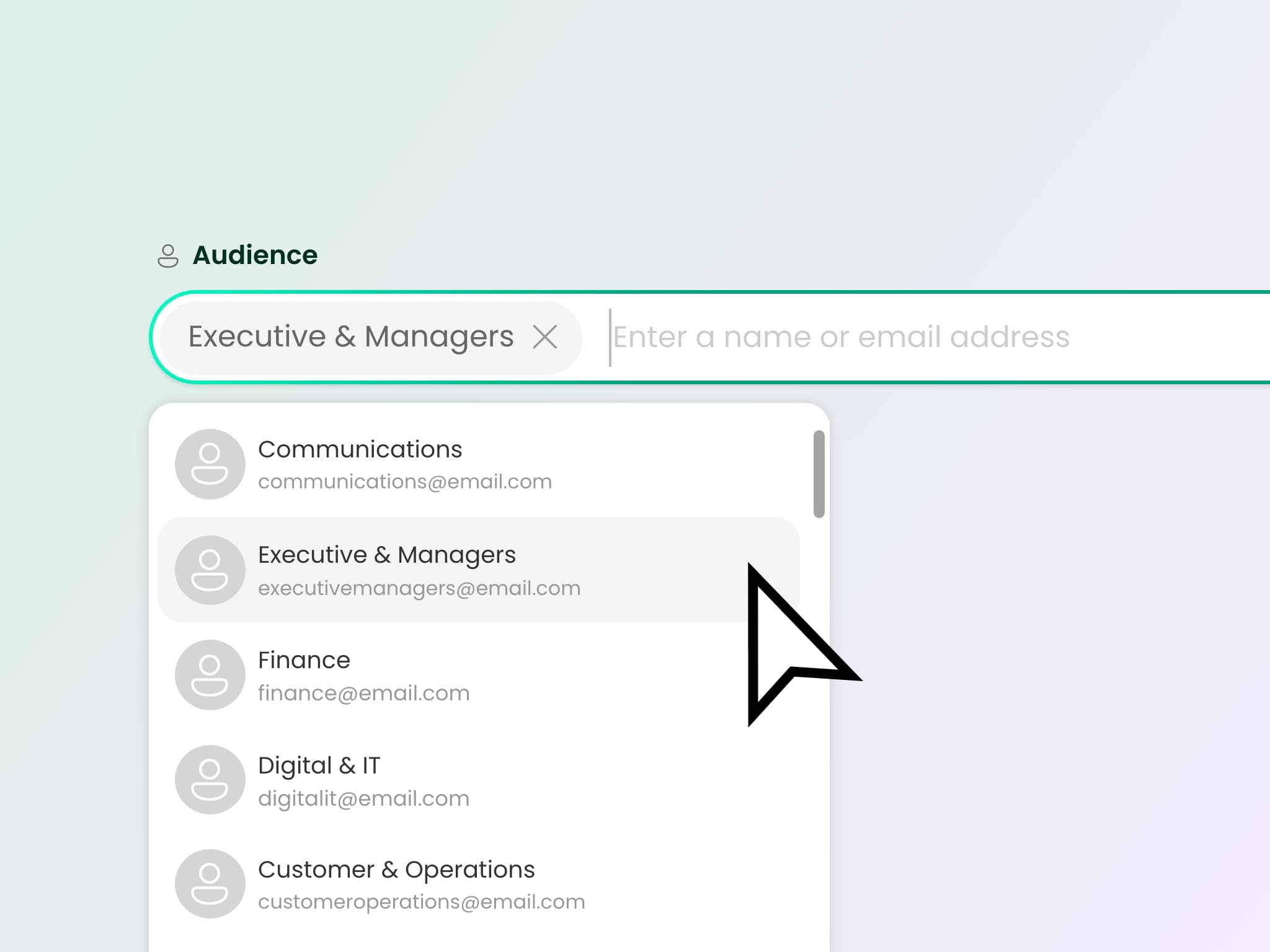
Audience targeting uses Entra ID groups. Content permissions align with SharePoint's native model. Content scheduling allows automated publishing and expiry. Site provisioning can follow your existing approval workflows. For businesses in regulated industries, your compliance team doesn't need to assess a new governance framework - it's the same SharePoint governance they already manage.
How is Lightspeed365 deployed?
Installation takes about 10 minutes. Your SharePoint admin deploys the SPFx package through the SharePoint app catalog - no developer, no infrastructure provisioning. Core runs entirely inside your Microsoft 365 tenant. If you add Push Notifications (a Premium app), additional Azure resources may be required - we scope this with your IT team during setup.
Every licence includes install, configuration video guides covering every web part, and a customer success call. Many businesses self-serve the entire setup. If your team wants hands-on support, our implementation consultants can work alongside your IT team.
The configuration guides are built for content editors, not developers - which means your comms and HR team can learn the product independently. This reduces the ongoing support burden on IT after launch.
See the install and configuration process
Watch the walkthrough in our video library or try Lightspeed365 in your own tenant for 14 days.
What happens when Microsoft updates SharePoint?
Lightspeed365 is built on the SharePoint Framework - Microsoft's own supported extensibility model with backward compatibility built in.
What about AI search and Microsoft Copilot?
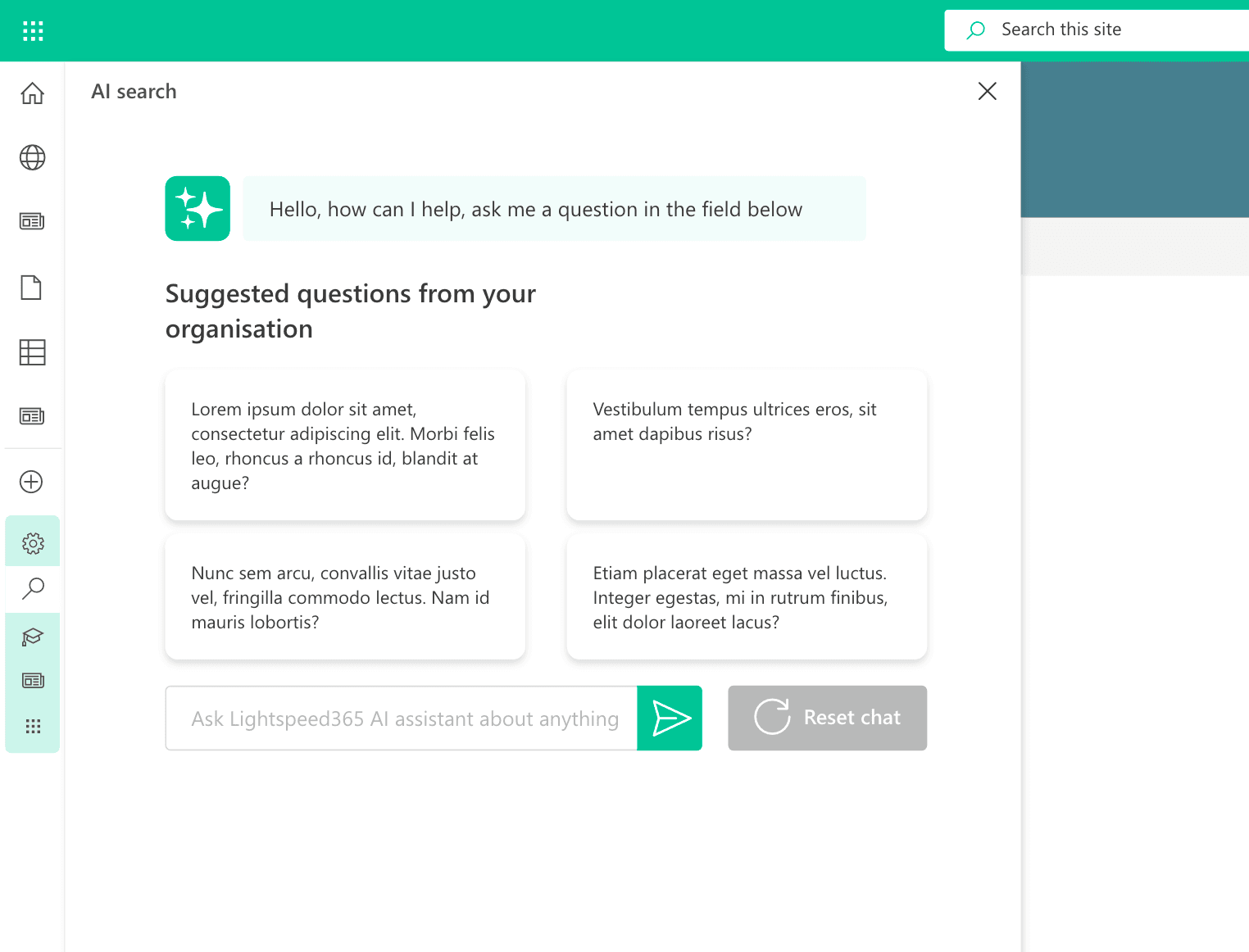
Lightspeed365 Core runs entirely inside your Microsoft 365 tenant with no additional infrastructure. If you add AI search (a Premium app), additional Azure resources may be required - we scope this with your IT team during the intro call.
If you want to pair Lightspeed365 with Microsoft Copilot, you need the Copilot licence from Microsoft separately. Lightspeed365 doesn't interfere with Copilot - your SharePoint content is indexed and available to Copilot the same way it would be without Lightspeed365, because it's native SharePoint content.
Not sure what your intranet needs?
Take the free health check to find out where your current setup stands.
What does Lightspeed365 integrate with?
Microsoft Teams
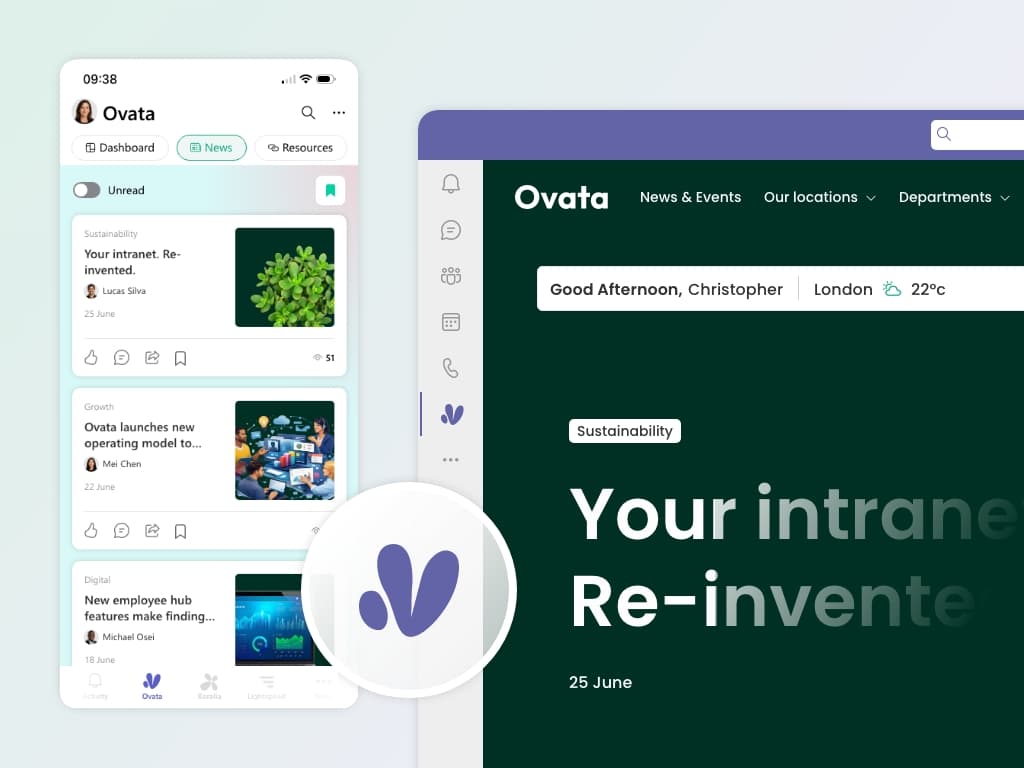
Your full intranet surfaces inside Teams on desktop and mobile - no new app to deploy, secure, or manage. It runs through the Teams app your devices already have, so your existing MDM policies apply.
SharePoint app (formerly Viva Connections)
Compatible with personalised dashboards and the Teams app bar.
Power Automate
Workflow triggers for content publishing, approvals, and notifications.
Power BI
Embed dashboards and reports directly on intranet pages.
Microsoft Clarity
Built-in analytics for engagement tracking, heatmaps, and adoption data.




Technical specification
Deployment
SharePoint app catalog (SPFx)
Hosting
Customer M365 tenant only
Data residency
Follows M365 tenant location
Identity
Microsoft Entra ID
Permissions
Microsoft Graph (admin consent)
Content storage
Native SharePoint pages, lists, libraries
Mobile
Responsive design, Teams mobile app
External APIs
Stock price: TwelveData (Stock, Forex, and Crypto market data). Weather: OpenWeatherMap (openweathermap.org).
Updates
Optional, self-installed via app catalog
What IT teams say about Lightspeed365
From verified G2 reviews by IT professionals.

“Extremely easy to integrate into our company portal, making it much more intuitive for our content administrators. The implementation process was straightforward, even with our small team.”
Lisa B., IT director - mid-market
“A game-changer. Lightspeed365 brings SharePoint to life, making the intranet not only more visually pleasing and on-brand, but also adding features that are way more powerful than the standard SharePoint features.”
Paul M., Enterprise
“We've got a great intranet and engagement platform for our colleagues. Mobile usage has increased since introducing the platform and engagement overall has really improved.”
Verified reviewer, Utilities - enterprise
Frequently asked questions about Lightspeed365 for IT
See the architecture for yourself
Watch the walkthrough or speak to our technical team. We'll answer the questions your security and infrastructure teams need covered.
Technical questions are handled by Adam Hickman and the Lightspeed365 team.