Your SharePoint intranet,
built for HR

Your HR team shouldn't spend half its day answering questions the intranet already answers. Lightspeed365 gives employees a self-service front door to policies, onboarding, forms, and team information - inside the SharePoint environment your business already runs.

What your HR team should be able to do with SharePoint

  • Onboard new starters without chasing them through email

    Structured, role-targeted onboarding that employees follow at their own pace.

  • Give employees one place to find policies, forms, and answers

    Self-service that reduces the tickets starting with "where do I find?"

  • Connect people across departments, locations, and roles

    A people directory that helps employees find the right colleague, fast.

  • Reduce the questions that shouldn't need HR to answer

    When employees can find it themselves, your team gets time back for higher-value work.

  • Track which policies employees have read and acknowledged

    Compliance visibility without chasing signatures through email.

  • Make HR information accessible on any device

    Frontline, remote, and office-based employees - all reached through Microsoft Teams.
Give every new starter a structured onboarding experience

  • Role-targeted onboarding pagesLightspeed365 gives your HR team page templates to create structured onboarding content - policies, team introductions, IT setup, and benefits pages - targeted by role and department so every employee sees what's relevant to them. Your team builds the onboarding pages once, and every new starter in that group gets the same consistent experience from day one.
  • How does the intranet tour help new starters?The built-in intranet tour is the employee-facing side of onboarding. When a new starter visits the intranet for the first time, the tour pops up automatically and walks them through how to navigate, where to find policies, where their team page is, and how to use search. Employees can dismiss the tour at any point and retrigger it whenever they need a refresher. You can create different tours for different parts of the intranet - the HR hub, the IT section, or a department page.
  • How does employee onboarding work on a SharePoint intranet?Your team creates onboarding pages using Lightspeed365's content editor templates, then targets them by role or department using existing Entra ID groups. The pages sit inside your SharePoint intranet as structured, branded content that new starters work through at their own pace. The intranet tour handles the "how do I use this?" question. The onboarding pages handle the "what do I need to know?" question.
Lightspeed365 employee onboarding template in SharePoint with role-targeted content

Help employees find HR information without asking

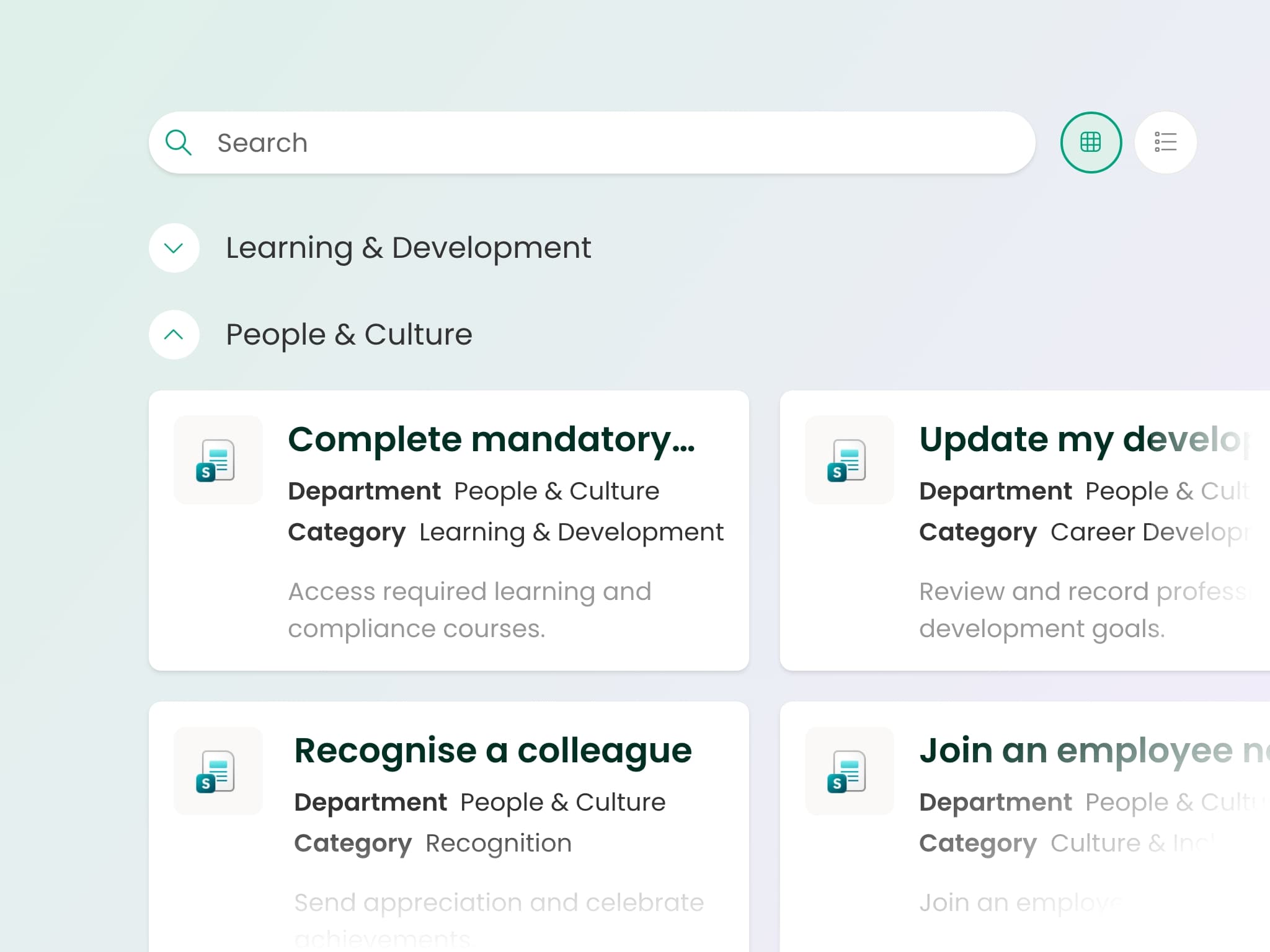
  • Self-service that reduces HR ticketsLightspeed365 adds AI-powered search, structured content layouts, and the handbook web part to your SharePoint environment. Policies, forms, benefits information, and frequently asked questions become findable without asking.
  • How does an employee self-service intranet reduce HR tickets?The handbook web part structures your HR content into clear, navigable categories - policies, processes, forms, and guides. AI search surfaces the right content regardless of which site it lives on. The app launcher gives employees one-click access to your existing HR systems alongside intranet content, targeted so different roles see the apps relevant to them.
Lightspeed365 employee self-service showing handbook web part and AI search in SharePoint

Book a demo tailored to your HR team

Build a people directory that connects your business

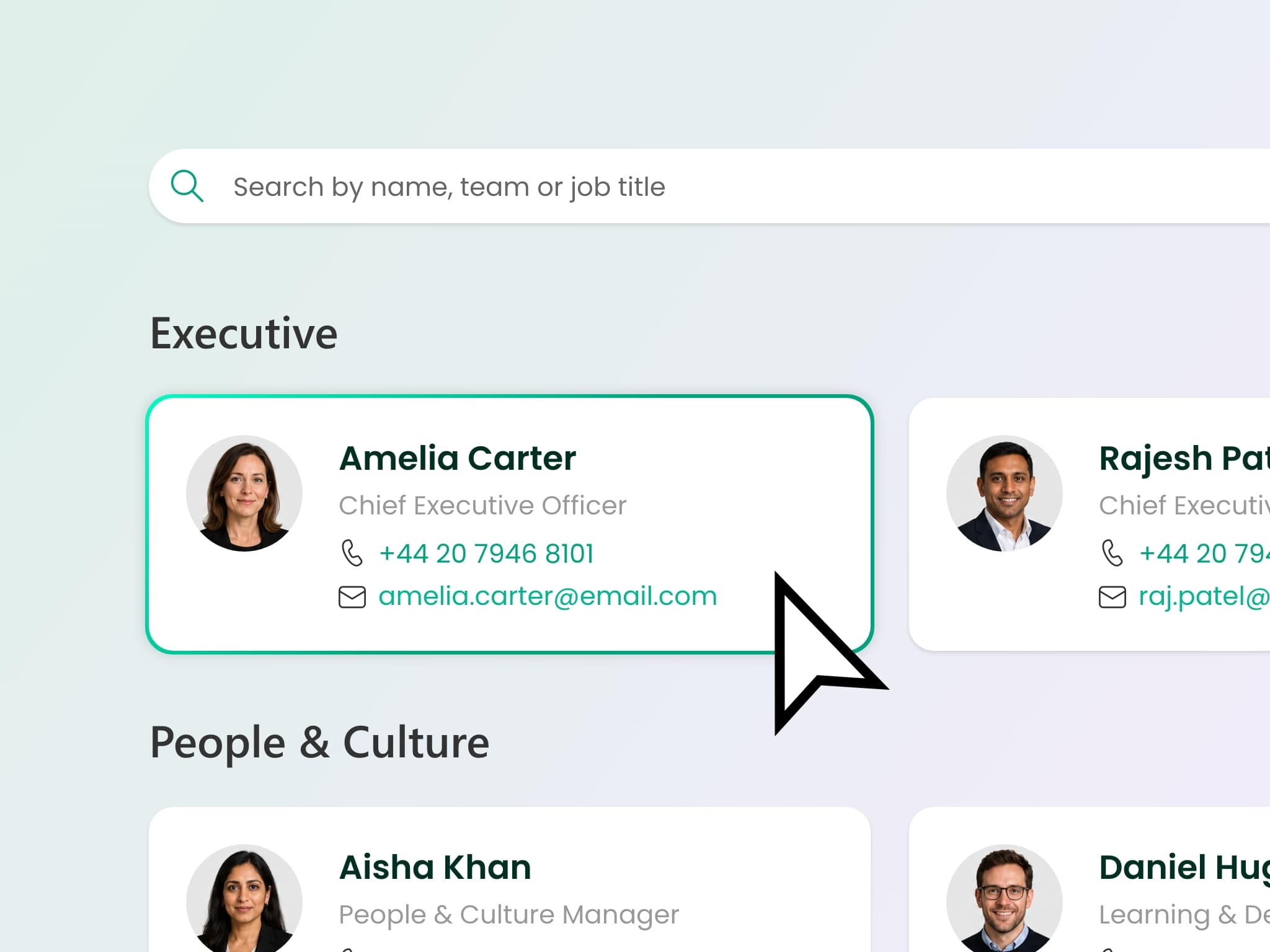
  • Connect colleagues across the businessLightspeed365's people directory pulls from your Microsoft Entra ID profiles and lets employees search, browse, and connect across the business. It encourages cross-team collaboration and reduces the "who do I speak to about this?" questions that land on HR's desk.
  • How does a SharePoint people directory work with Lightspeed365?The directory is powered by your existing Entra ID data - no duplicate profiles to maintain. Employees search by name, skill, department, or location. Profile cards show reporting lines, contact details, and expertise areas.
Lightspeed365 people directory in SharePoint showing employee search by skill and department

See real examples of branded SharePoint intranets

Make policies findable, readable, and trackable

  • Structured policy hubsLightspeed365 gives you structured policy hubs with clear navigation, version-controlled documents, and AI search that surfaces the right policy first time. Employees can browse by category or search by keyword - either way, they find what they need without asking.
  • How do you manage employee handbooks and policies on an intranet?The handbook web part organises your policies, procedures, and guides into a structured, searchable format. Content owners manage updates through SharePoint's standard publishing tools. Employees see the current version, navigate by category, and find answers through search.
Lightspeed365 policy hub with structured handbook navigation in SharePoint

Need policy acknowledgement, mandatory reads, and audit trails?

Xoralia - our policy management platform, also built by Content Formula - integrates directly with your Lightspeed365 intranet. Employees read and acknowledge policies inside the same intranet they use every day. Knowledge quizzes test whether employees actually understood the content, not just clicked "acknowledge" - with pass rates and completion data your compliance team can report on. Lifecycle workflows ensure policies are reviewed on schedule, not forgotten. One provider for your intranet and your compliance layer.

Learn about Xoralia →
Reach every employee including frontline and remote workers

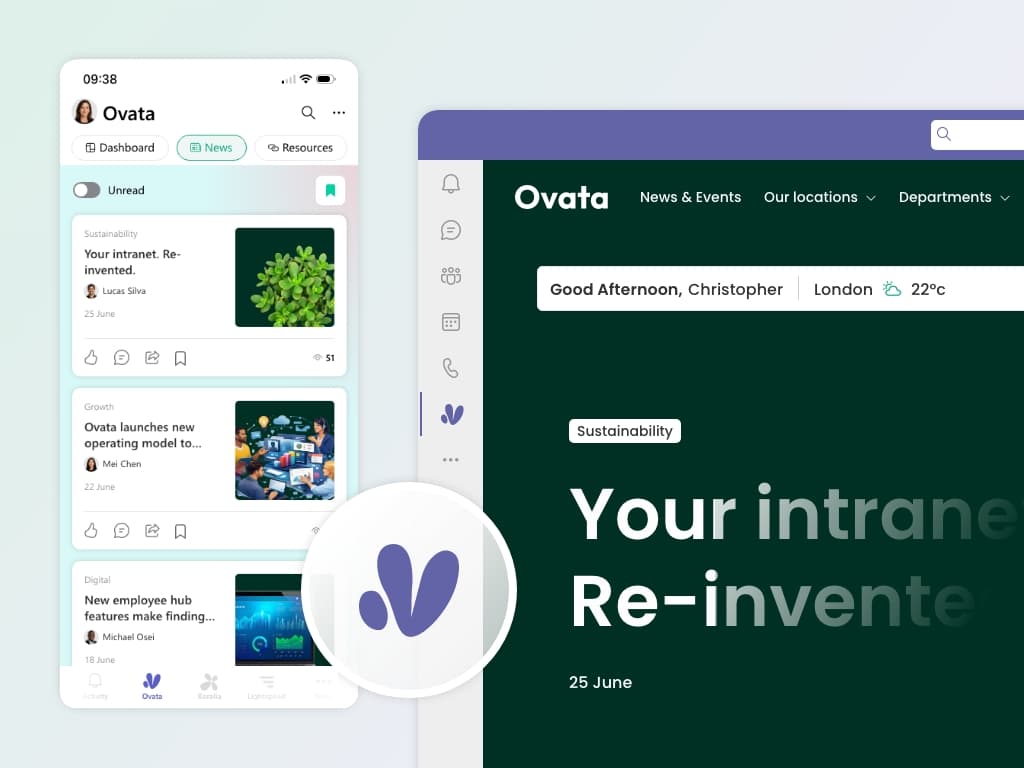
  • HR content on any deviceLightspeed365 surfaces your full intranet inside the Microsoft Teams mobile app - the same app most businesses already deploy to employee devices. No new mobile app to download, no separate login, no additional app for IT to manage.
  • How do HR teams reach frontline workers through SharePoint?The intranet runs through the Teams mobile app, so frontline workers access everything through a tool they already have. Push notifications (Premium) reach employees who don't check the intranet regularly.
Lightspeed365 intranet inside Microsoft Teams on mobile

Make the HR portal feel like your business

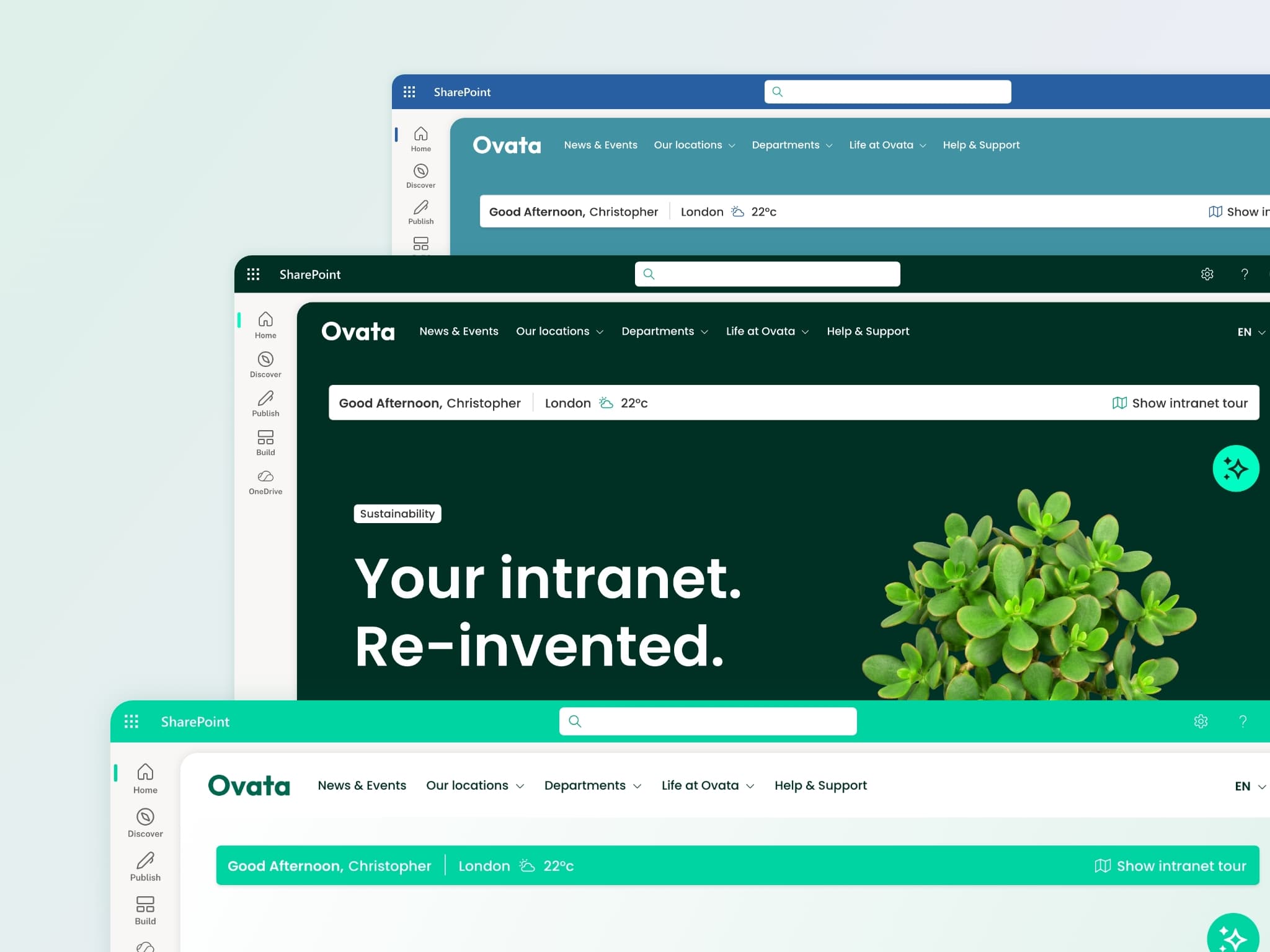
An HR portal that looks like default SharePoint doesn't inspire confidence. Employees need to trust that what they're reading is official, current, and managed. Branding builds that trust. Lightspeed365's branding customiser gives you control over colours, typography, navigation, and layouts. The HR section of your intranet looks and feels like an official company channel - consistent with the rest of the employee experience.

Branded SharePoint intranet with custom typography and navigation

Not sure what your intranet needs?

Take the free health check to find out where your current setup stands.

Frequently asked questions for HR teams

See how it works for HR teams

Book a demo tailored to HR, or watch the walkthrough to see the product in action.

Many of our customers also use Xoralia - our policy management platform - alongside Lightspeed365 for compliance.