Reach the right employees with the right message
Target news and updates by department, location, or role - not a one-size-fits-all homepage blast.
Native SharePoint gives you the building blocks, but turning them into an internal comms platform takes more than most teams have time for. Lightspeed365 bridges that gap.
Target news and updates by department, location, or role - not a one-size-fits-all homepage blast.
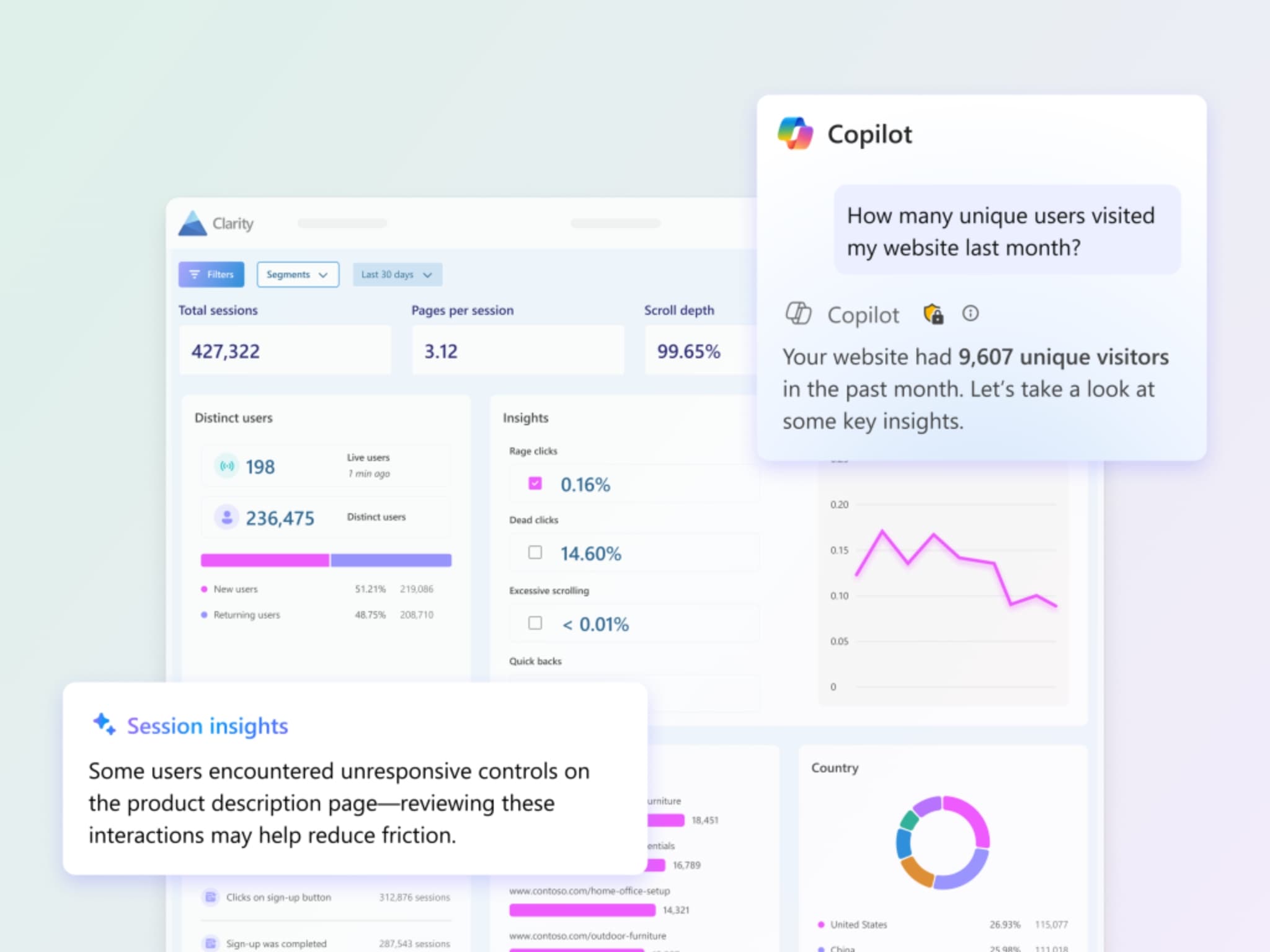
Engagement data that goes beyond page views - so you can report with confidence, not anecdotes.
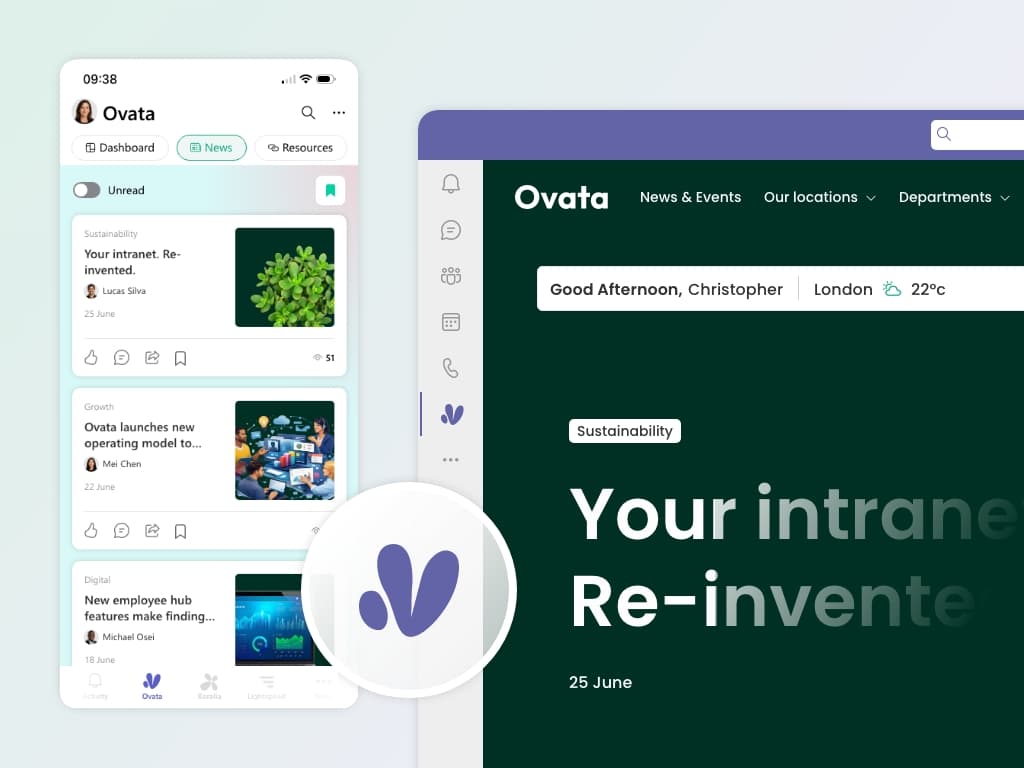
Meet people in Microsoft Teams instead of fighting for attention in crowded inboxes.
Your comms team owns publishing. IT sets up the platform once - then steps back.
Policies, forms, and answers surfaced through search and structured content - fewer "where do I find?" messages.
Branded design on desktop and mobile so the intranet feels official, not like default SharePoint.
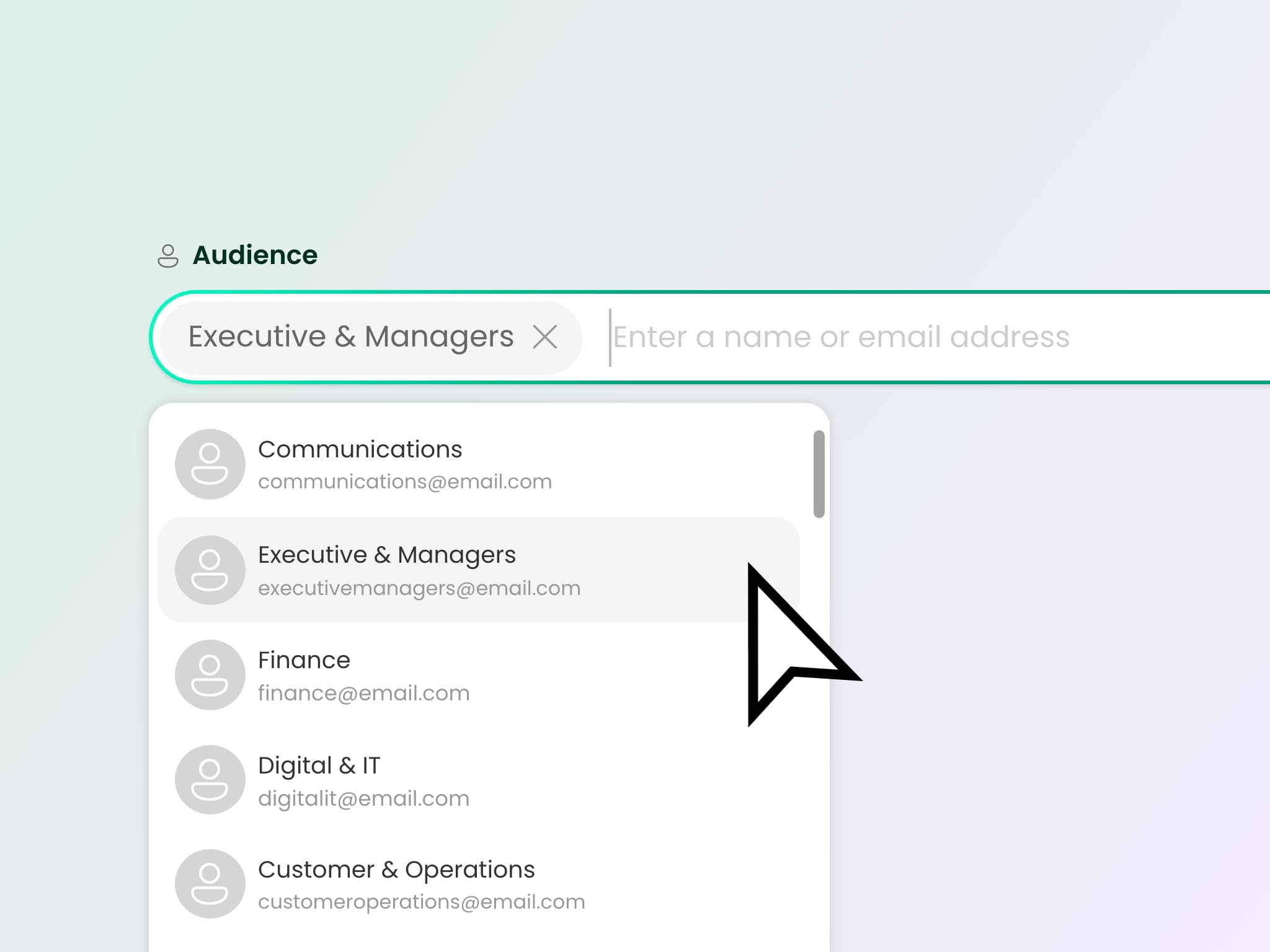
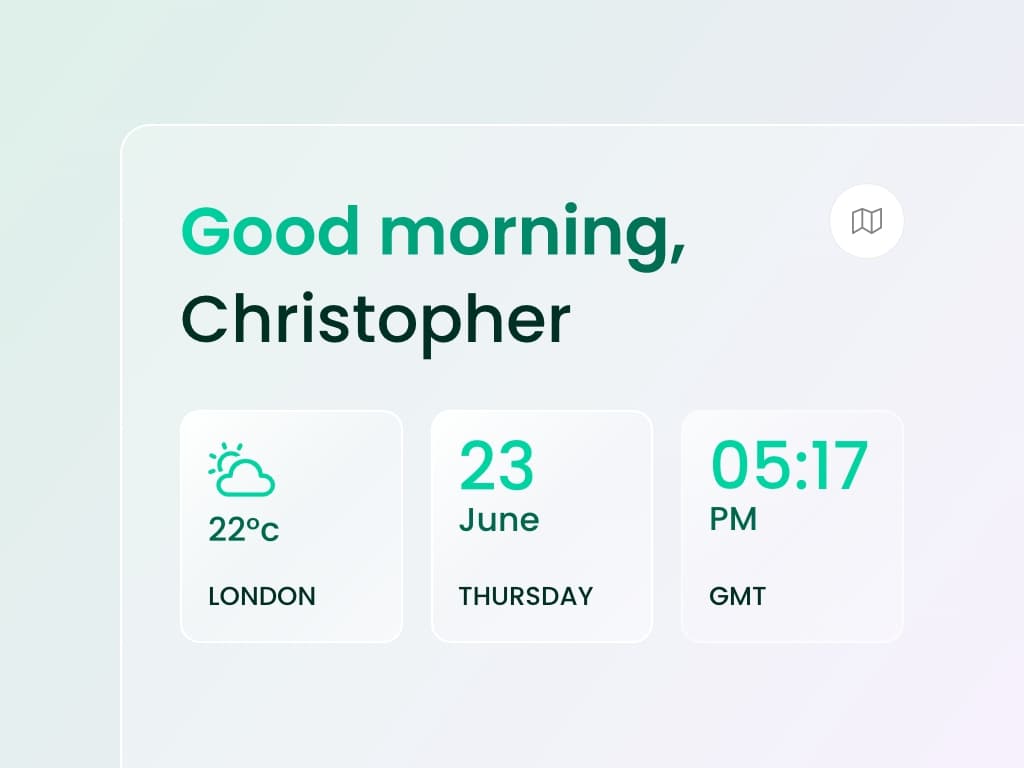
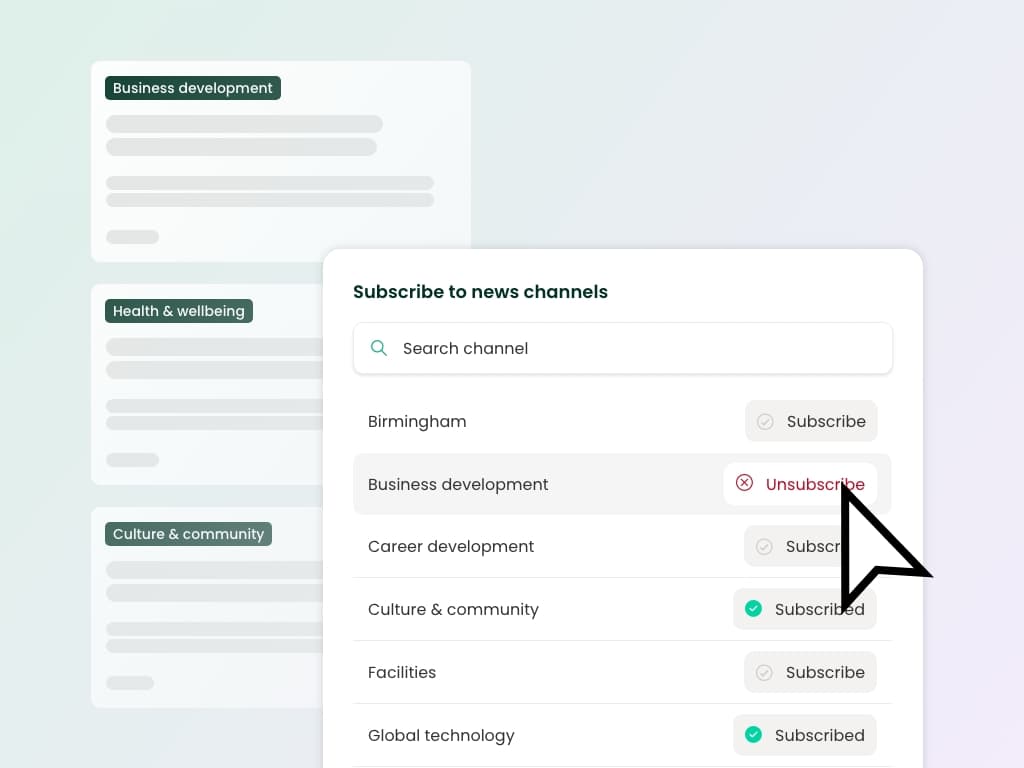
Not every employee needs every update. The Subscriptions premium app lets employees opt into news channels and topics they care about - department news, wellbeing, product updates, or location-specific announcements. Comms teams publish to channels; employees personalise their own feed. Less noise, higher relevance, and engagement that reflects genuine interest rather than inbox fatigue.
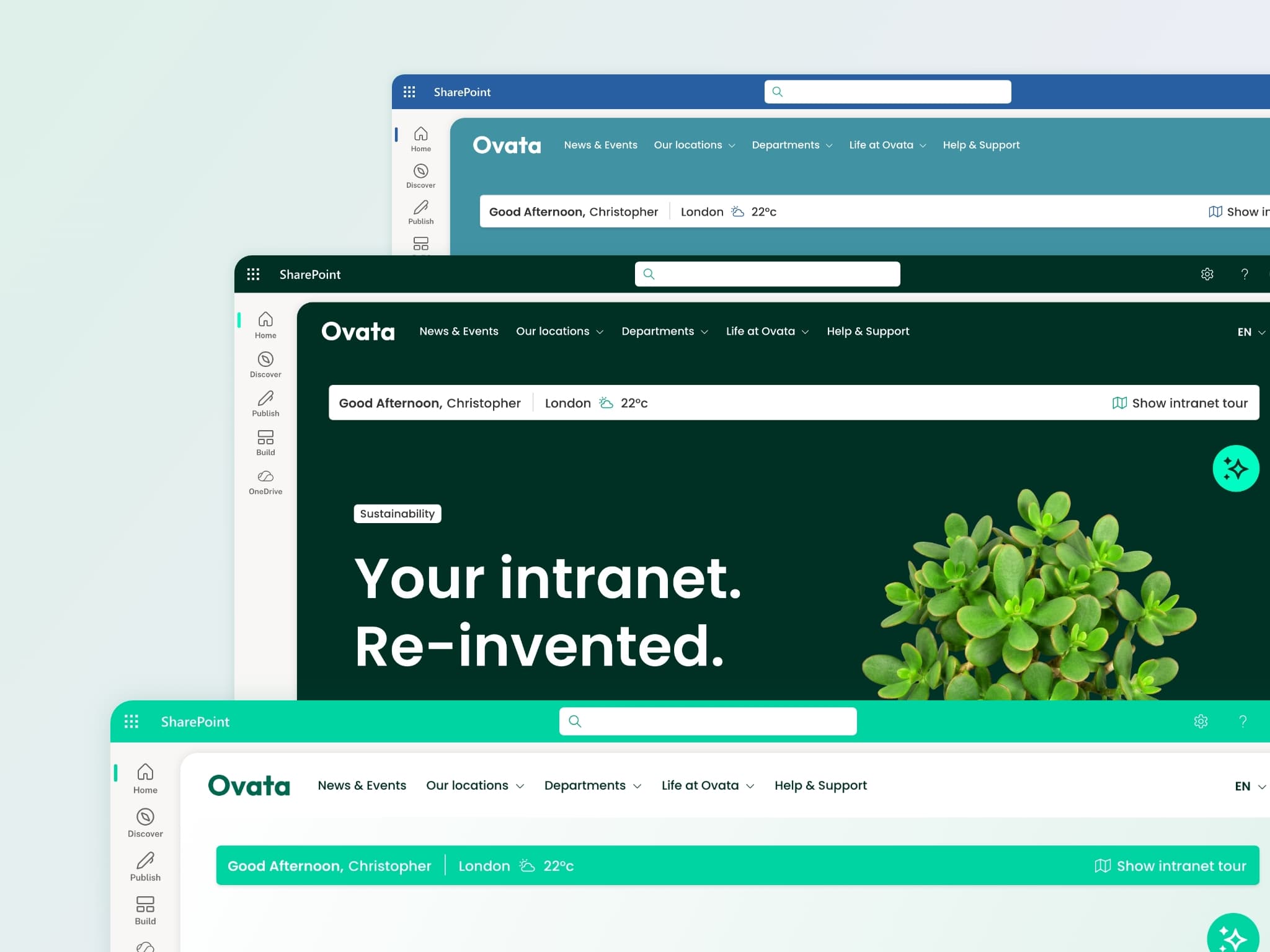
An intranet that looks like default SharePoint undermines trust in what comms publishes. Lightspeed365's branding customiser gives you control over typography, colours, navigation, and layouts across every page. Your intranet looks and feels like an official company channel - consistent on desktop, mobile, and inside Teams.
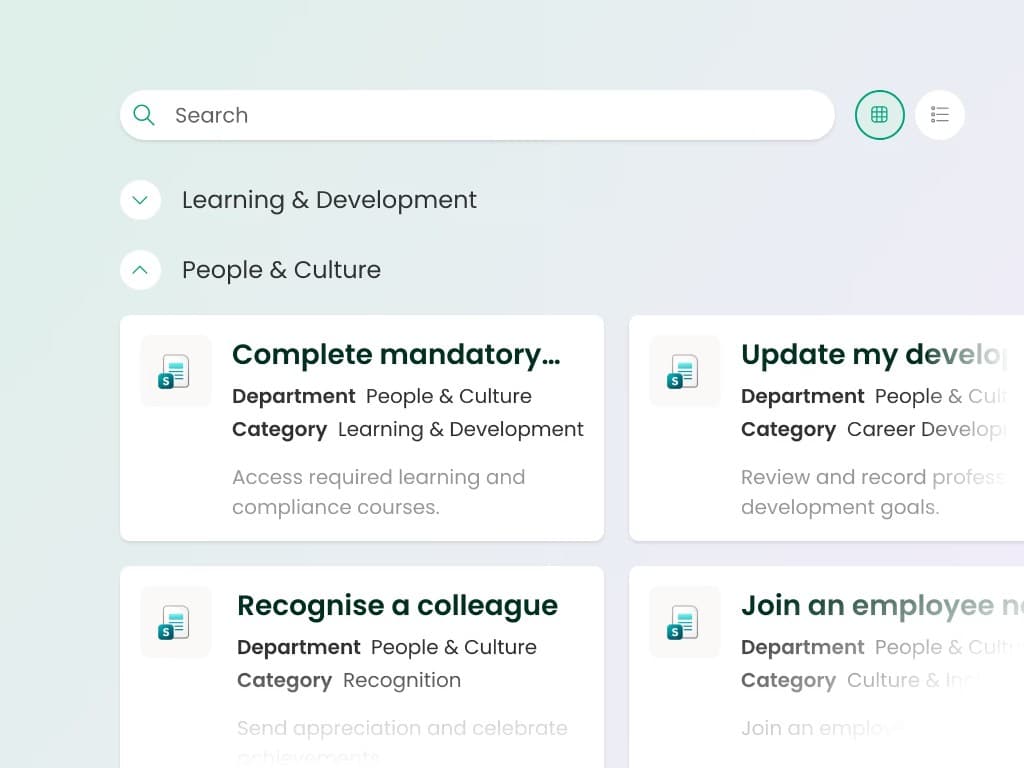
First impressions matter. Lightspeed365 page templates let comms and HR build structured onboarding hubs - role-targeted welcome content, key policies, team introductions, and where-to-find guides. The built-in intranet tour walks new starters through navigation on their first visit. Every employee in a cohort gets the same experience, without a chain of welcome emails that get lost in the inbox.
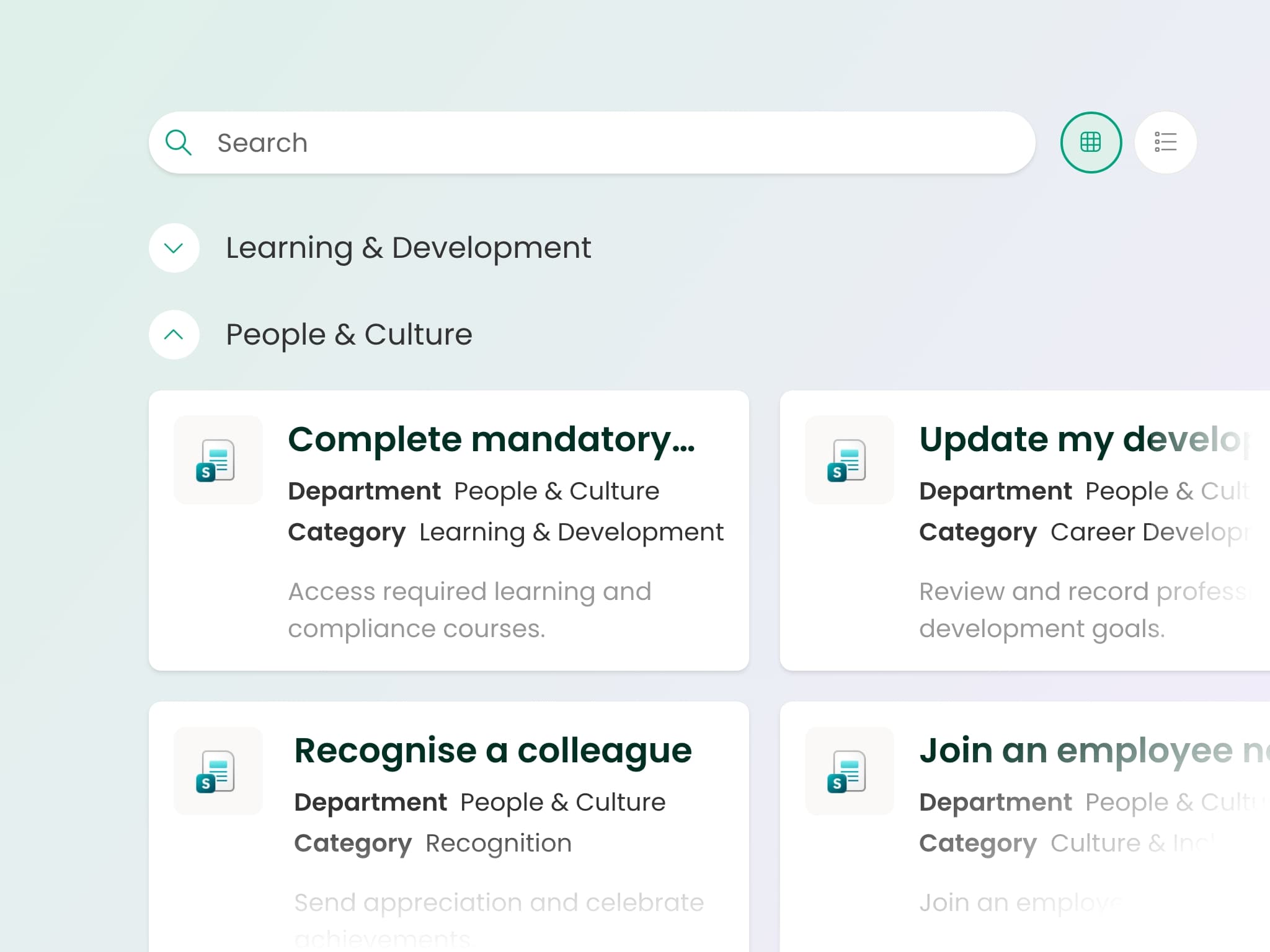
Take the free health check to find out where your current setup stands.
Book a demo tailored to your comms team, watch the walkthrough, or take the health check to see where your current intranet stands.